
Prices are coming soon. They will be per student, for only the parts your school uses. Book a demo and we will talk through what it would cost your school.
Attendance, exams and report cards, fees and online payments, accounts, transport and messages to every family. Made for schools in Nepal, with Bikram Sambat dates and NEB grading.
Absence alert sent3 families of Grade 5 B, by SMS and app
Fee received: Rs 5,100Paid online with eSewa, receipt sent
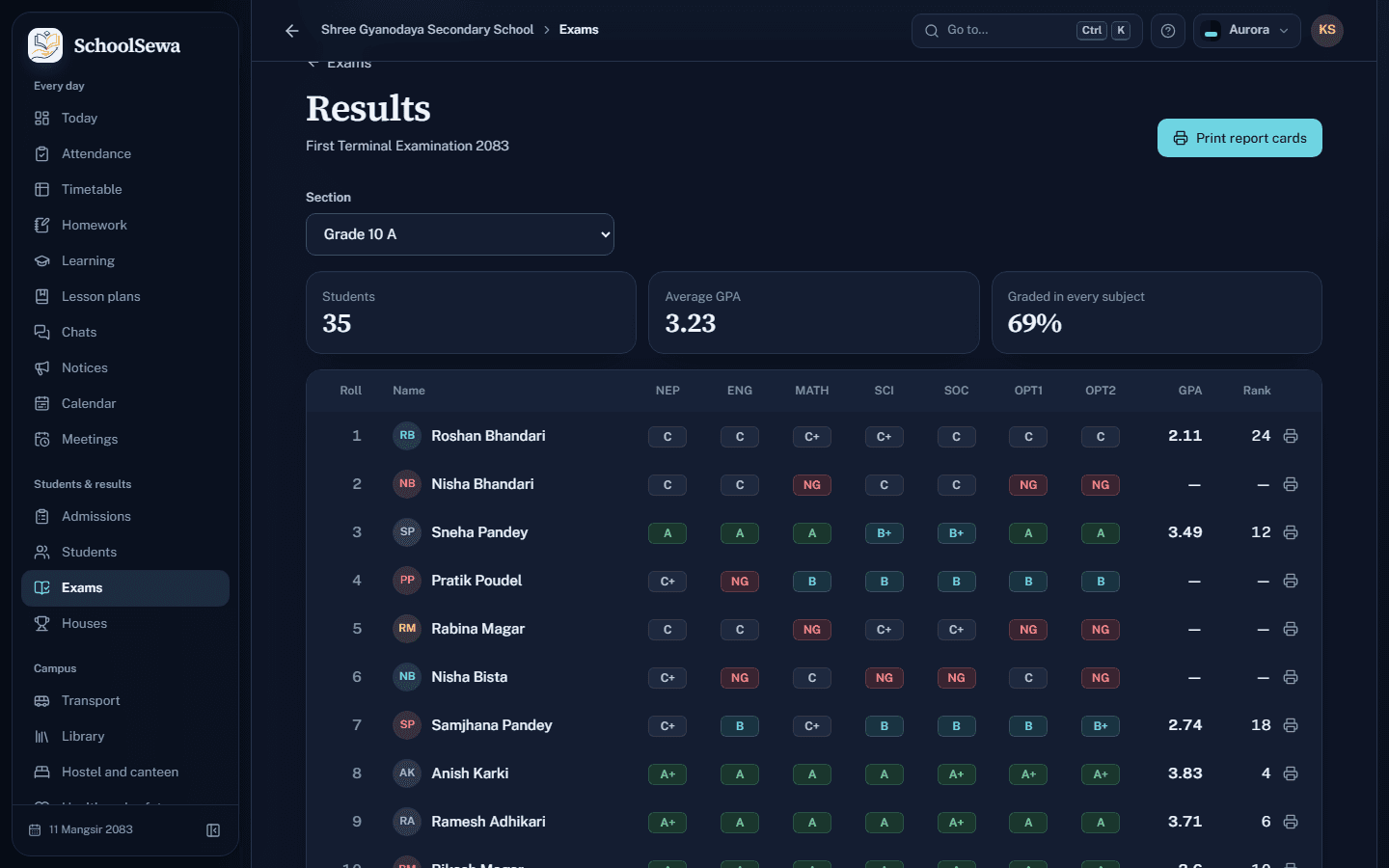
Results publishedGrade 10 first terminal, NEB grades
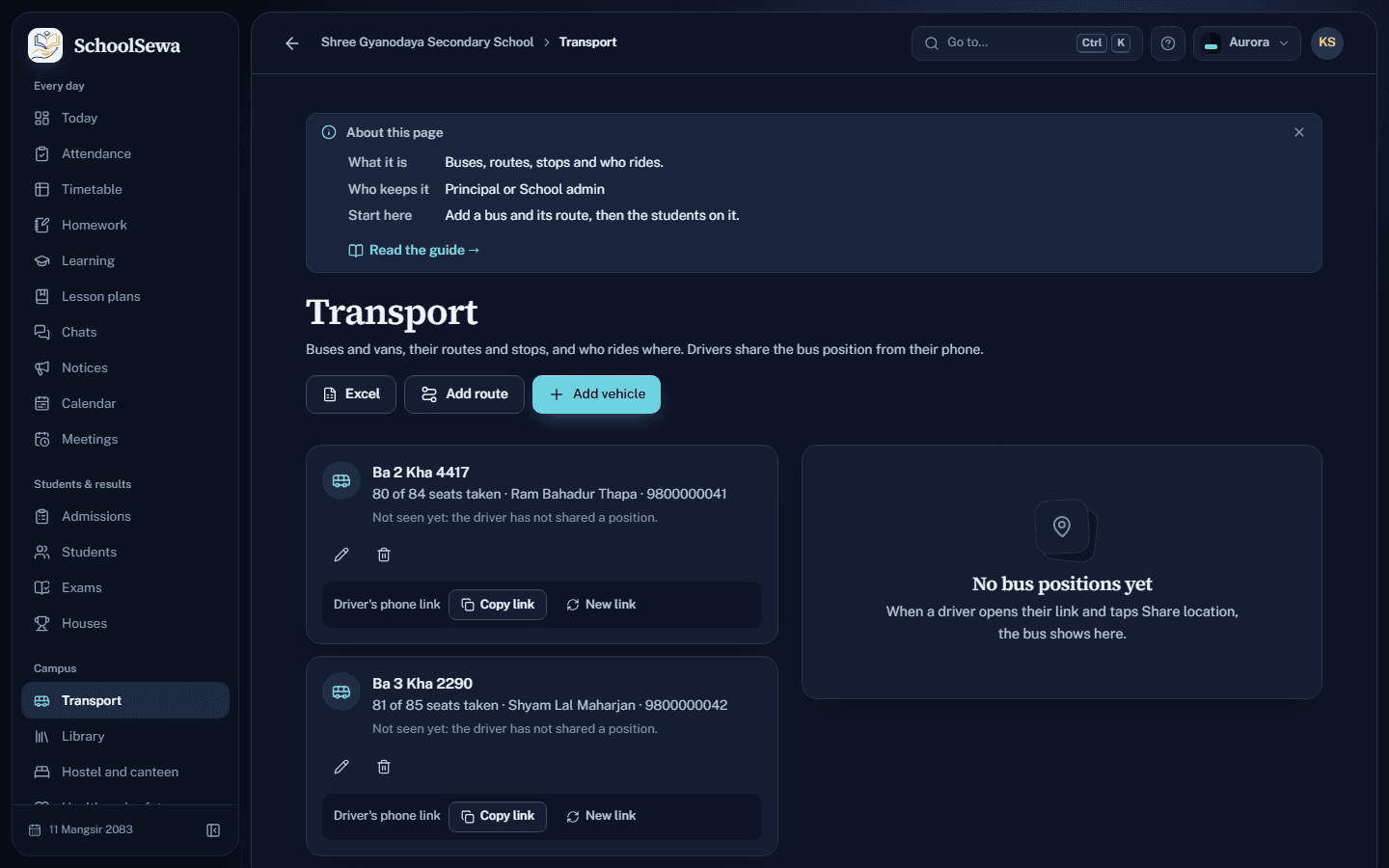
Bus 2 is at KupondoleParents see it on the live map
- 23parts of school life, from the register to payroll
- 8school roles, each seeing only their part, plus your own
- 4ways to pay online: eSewa, Khalti, ConnectIPS, Fonepay
- 9colour themes, light and dark
See every part of the app
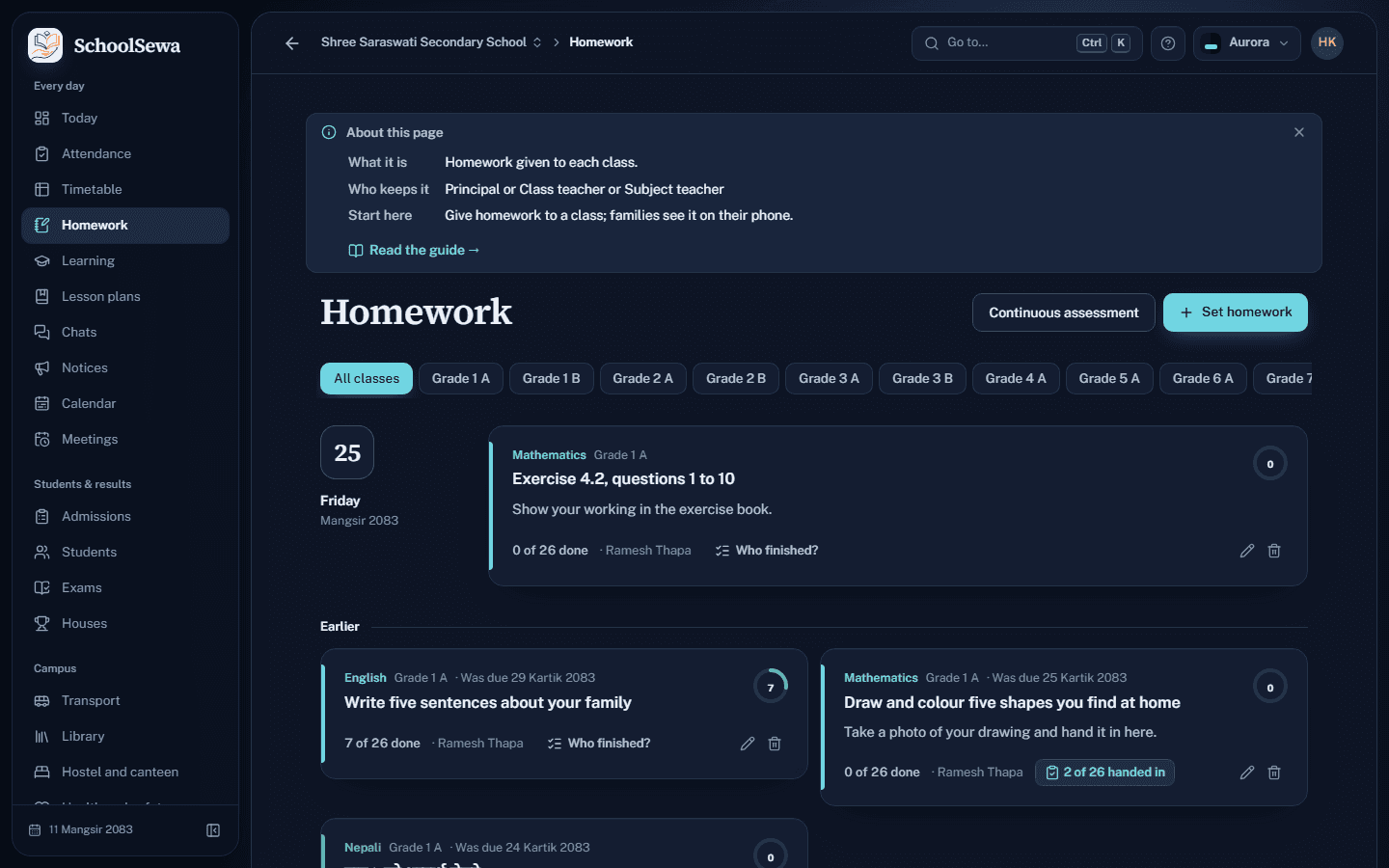
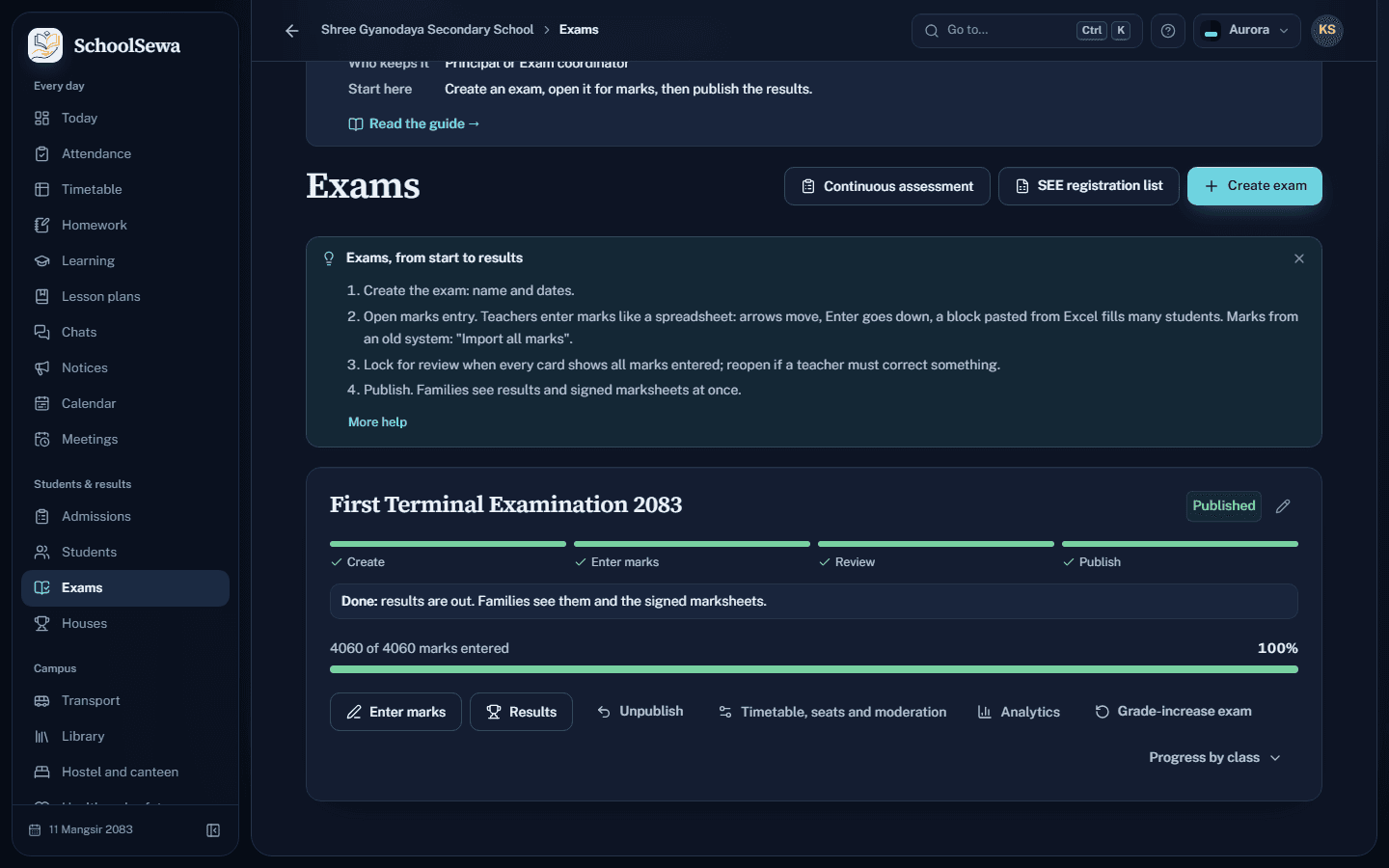
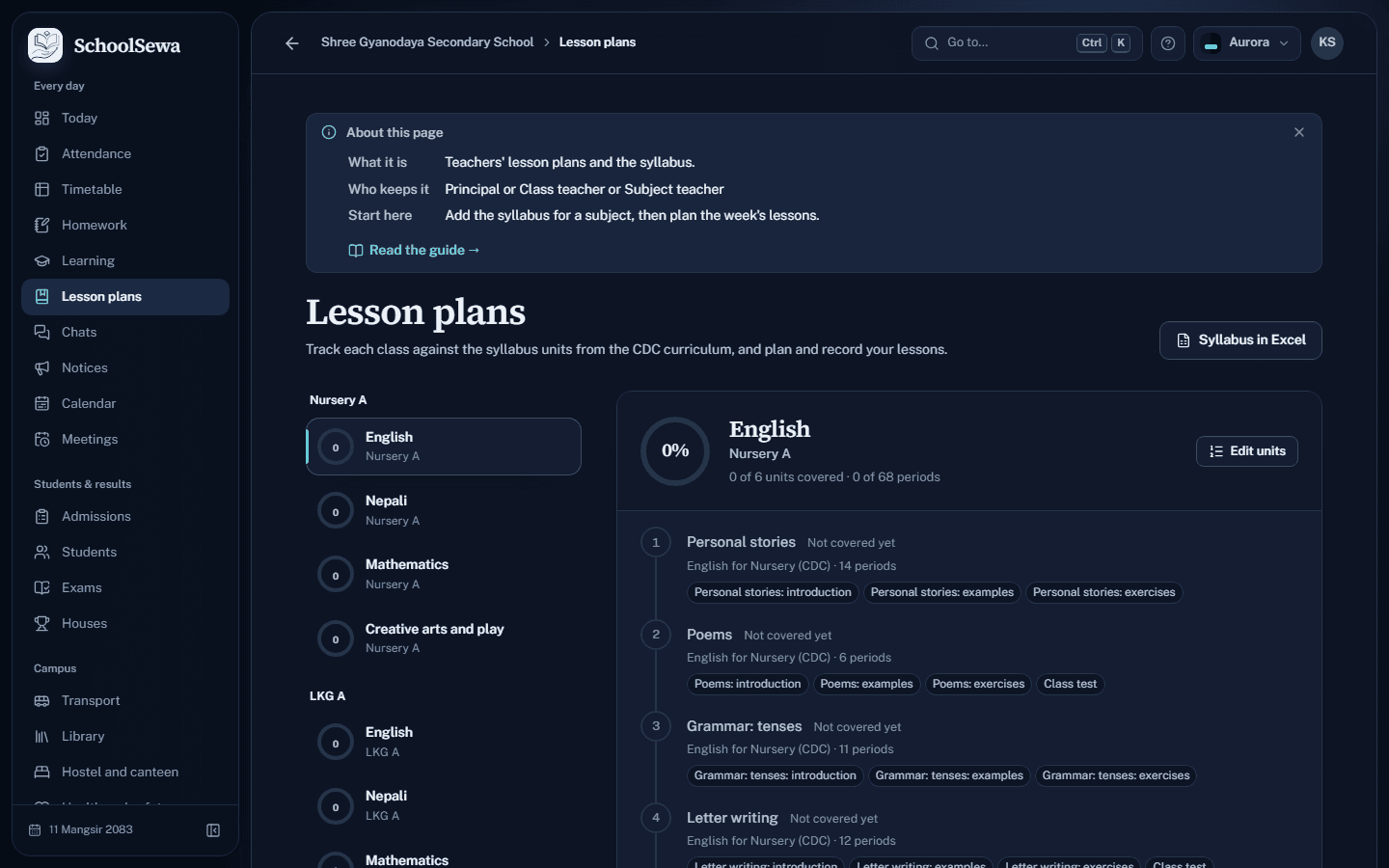
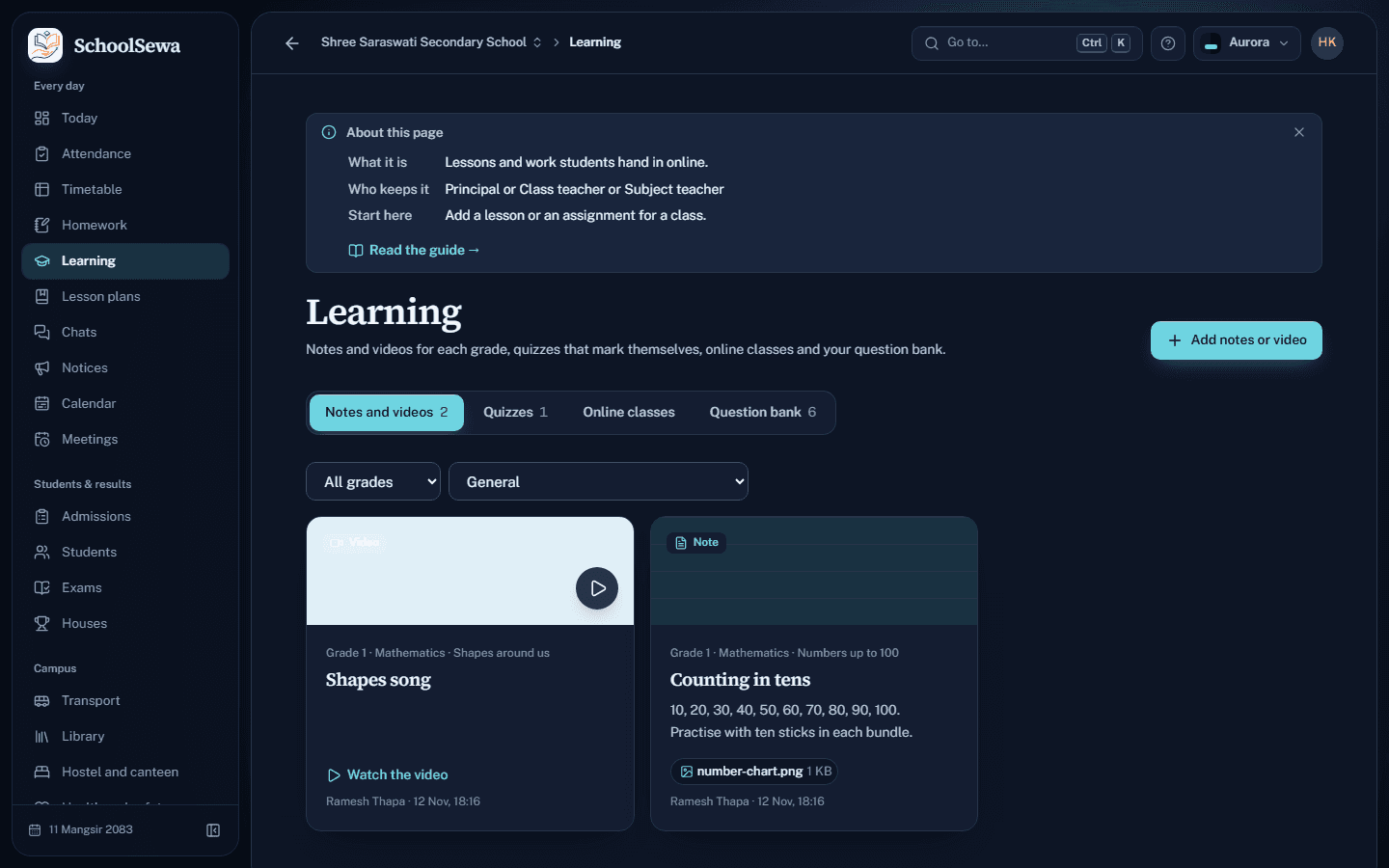
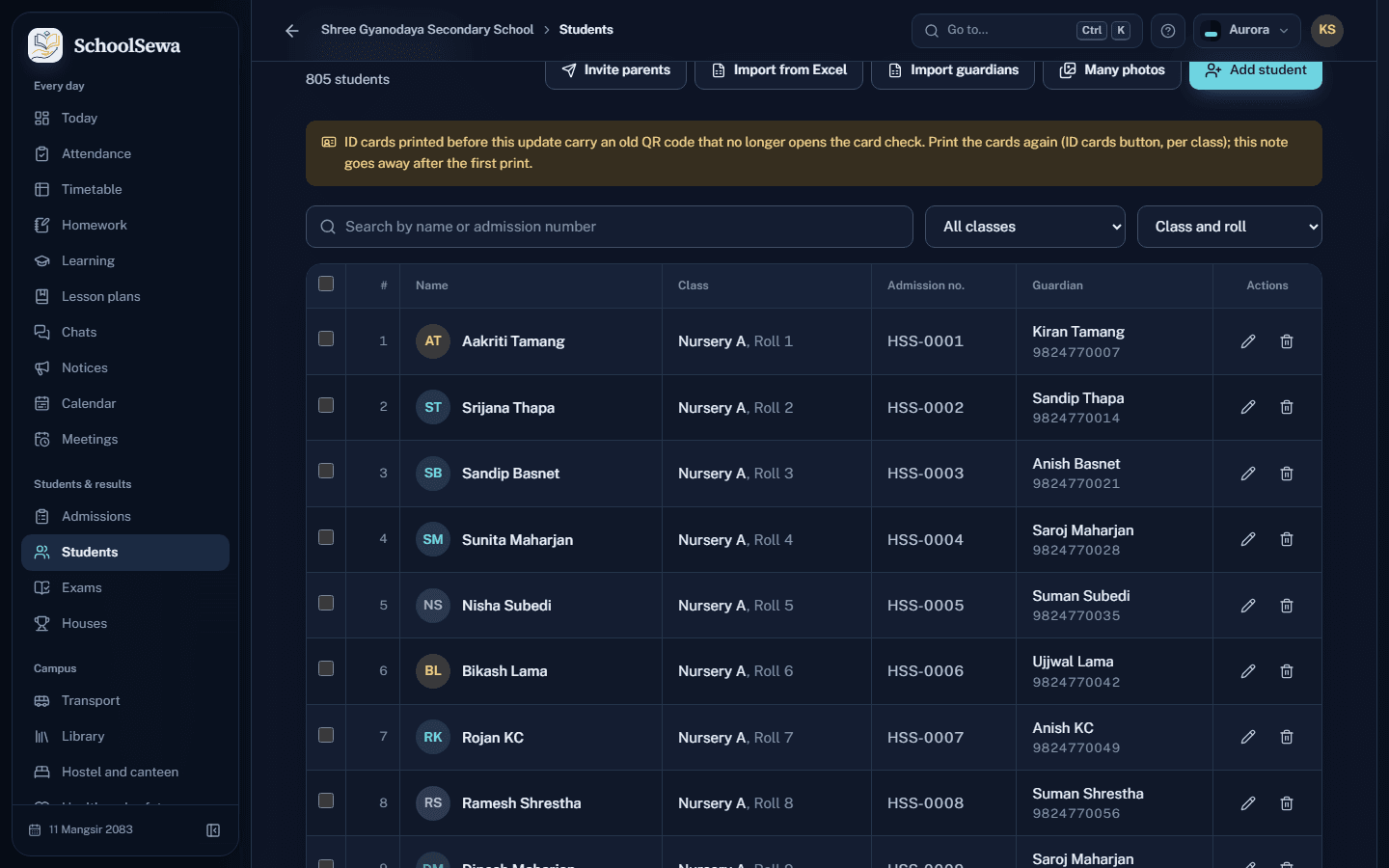
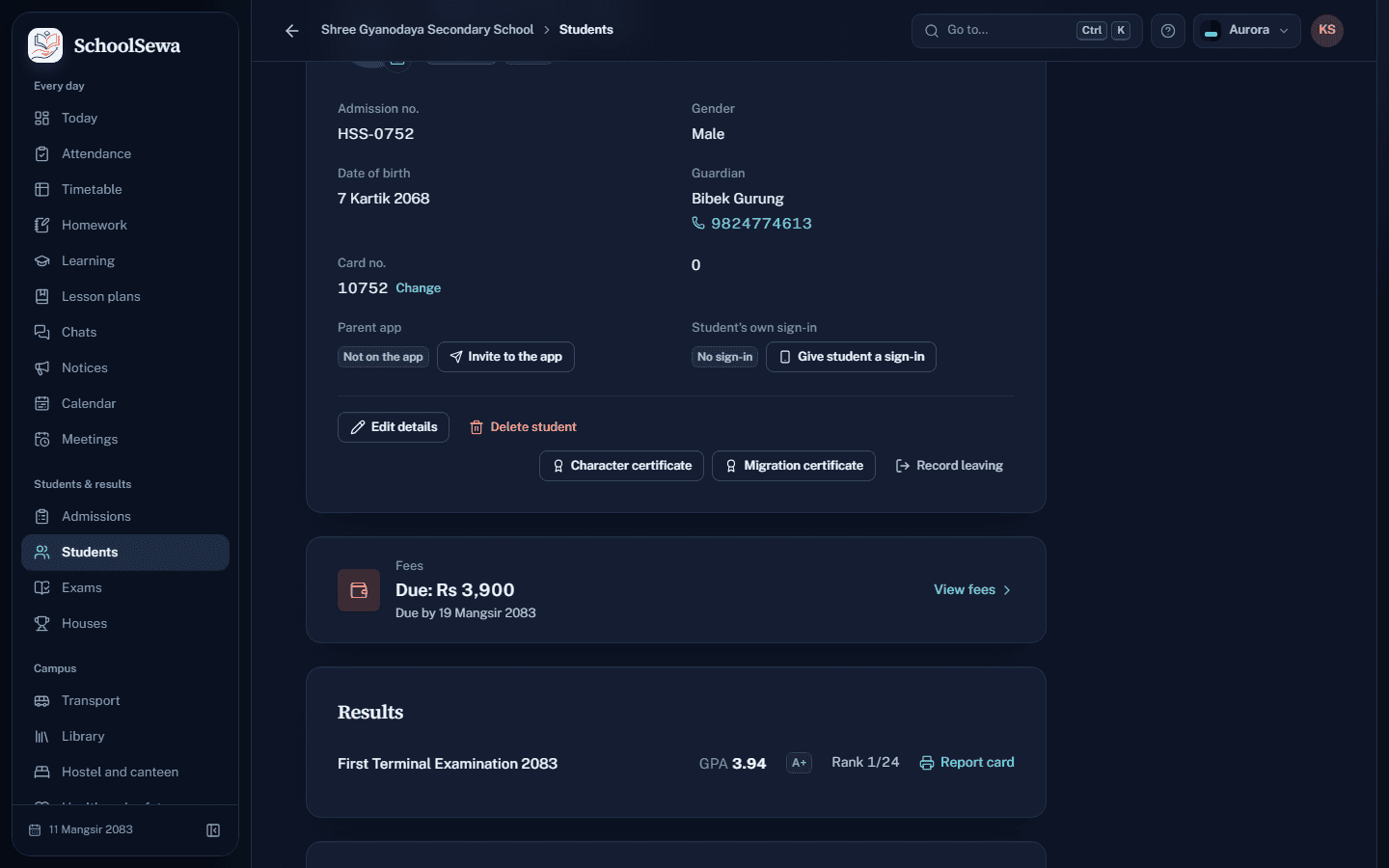
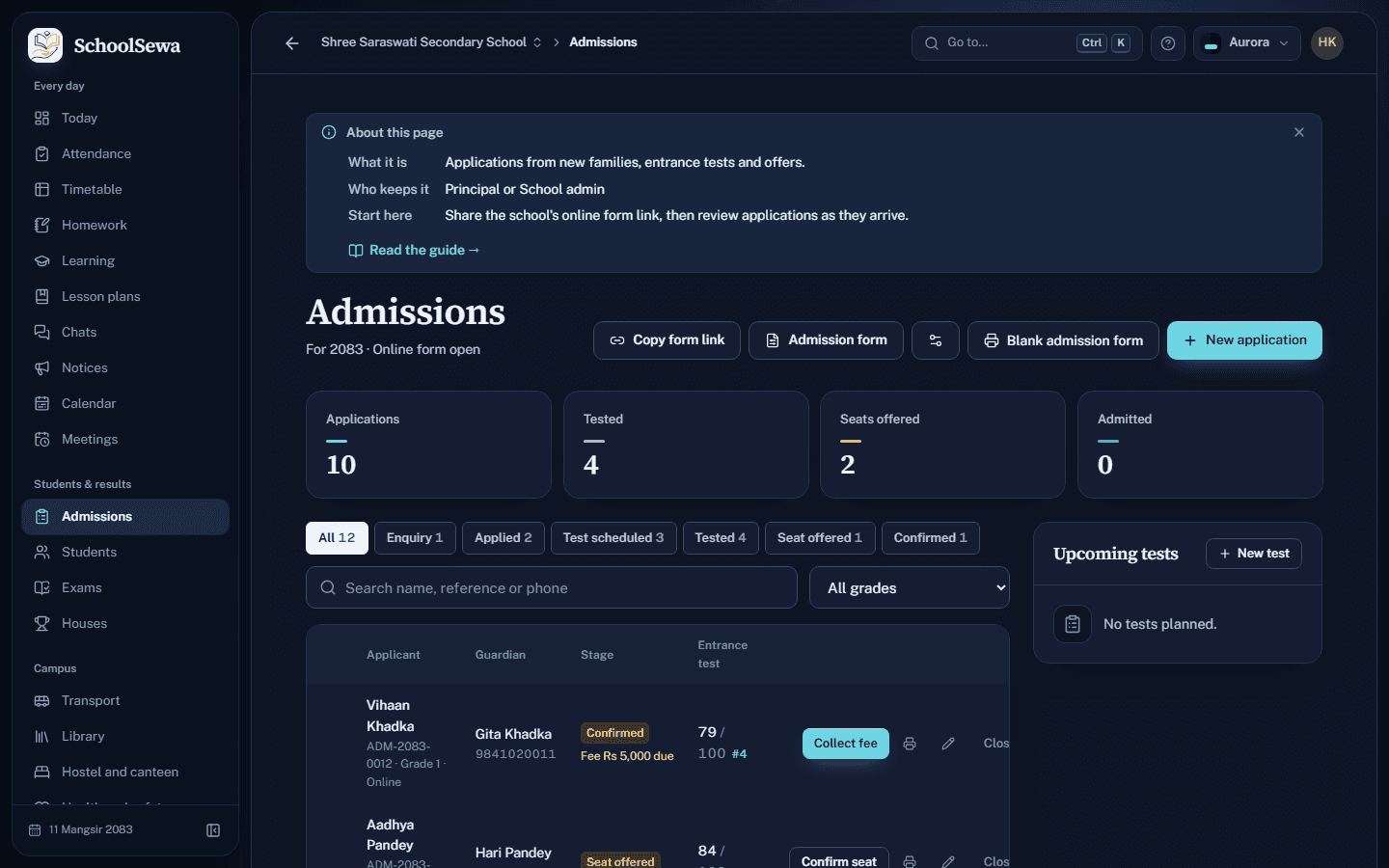
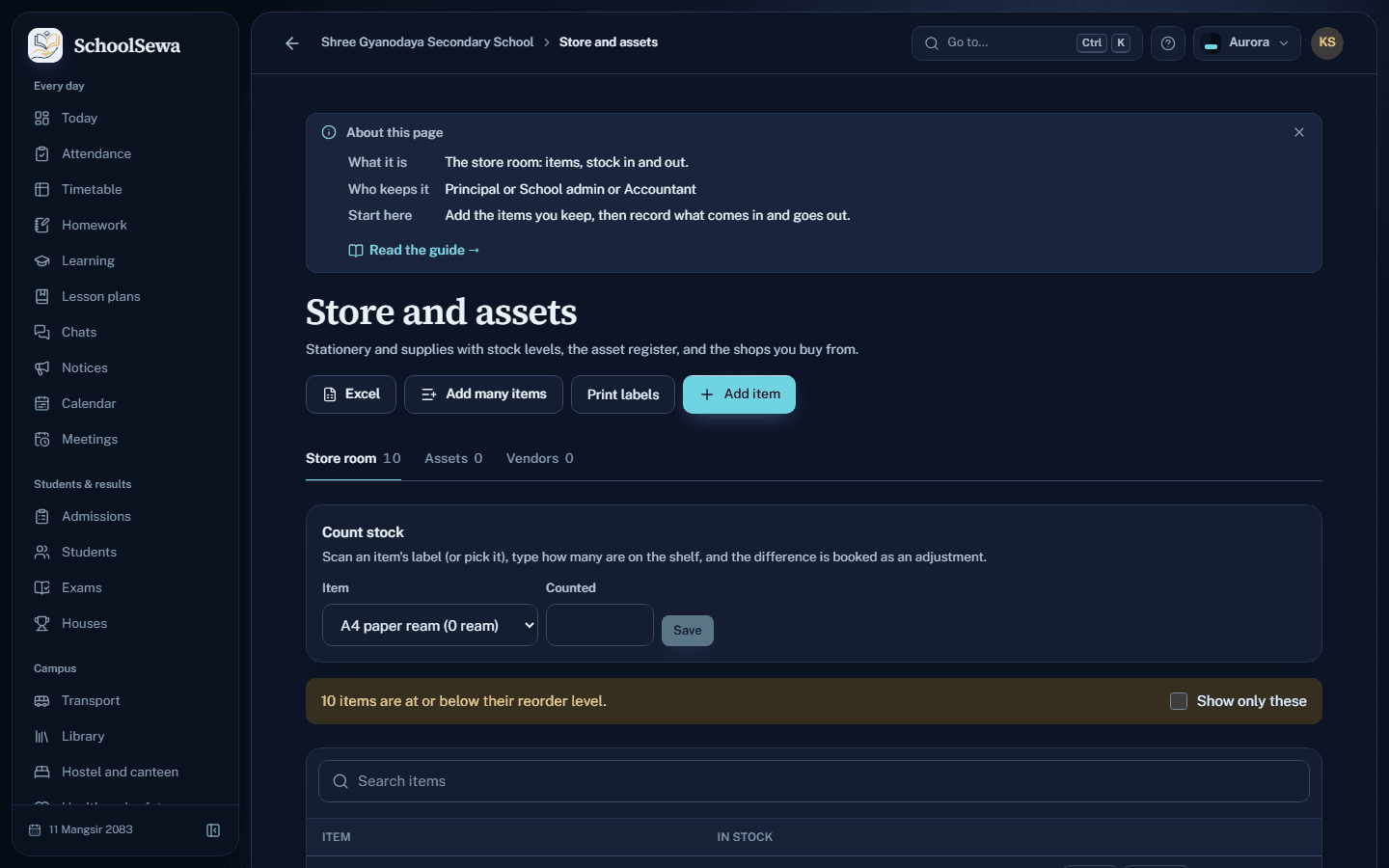
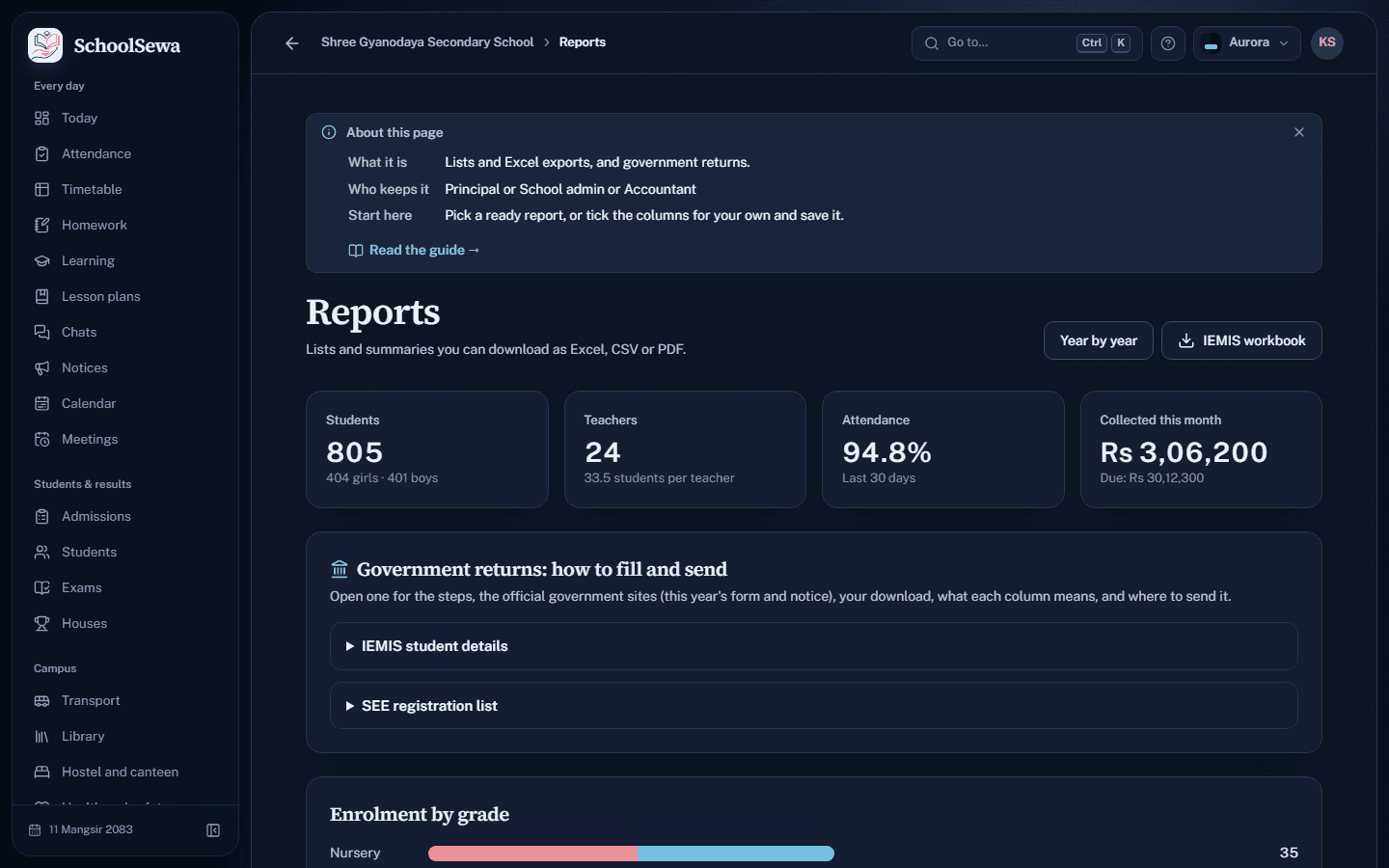
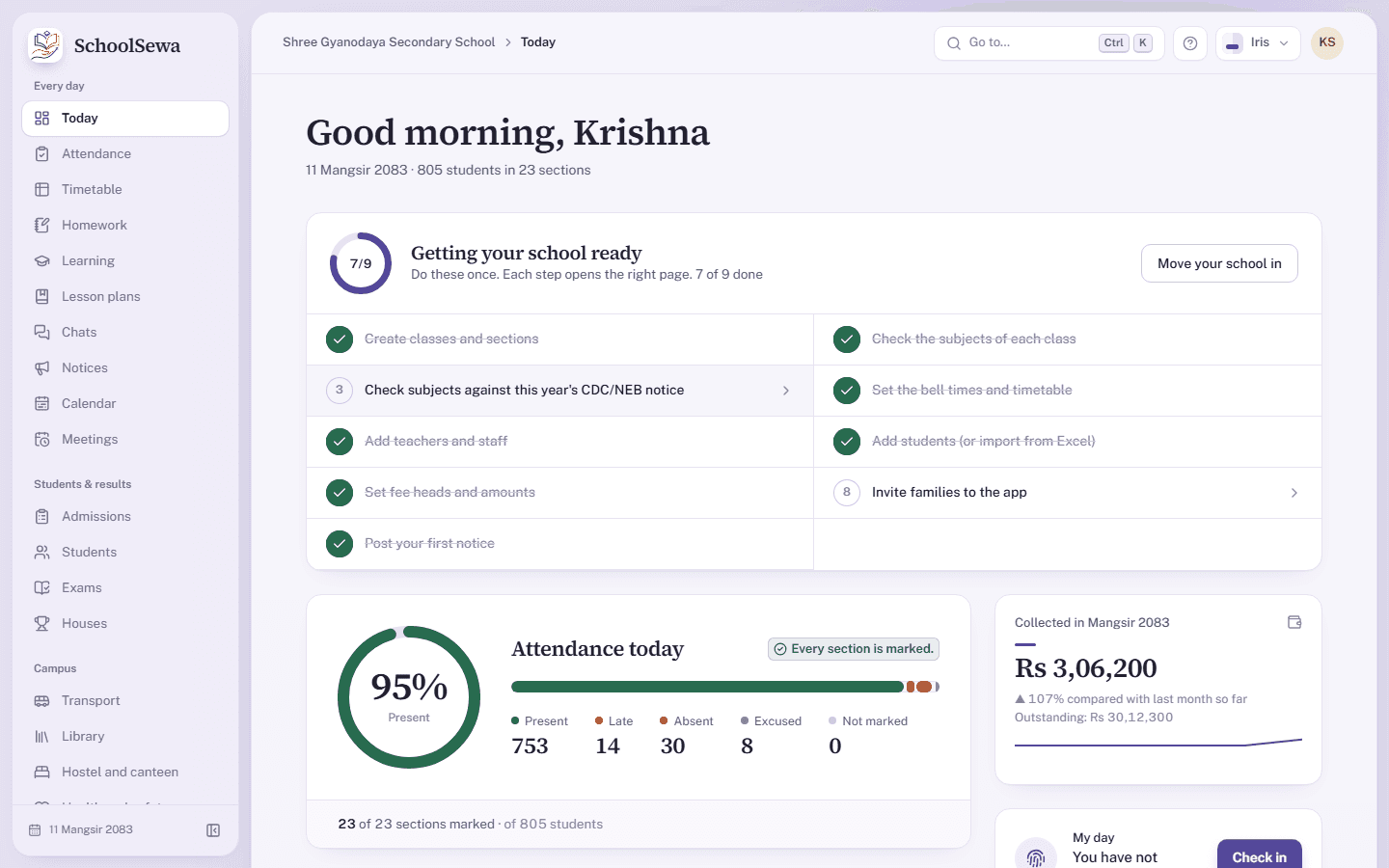
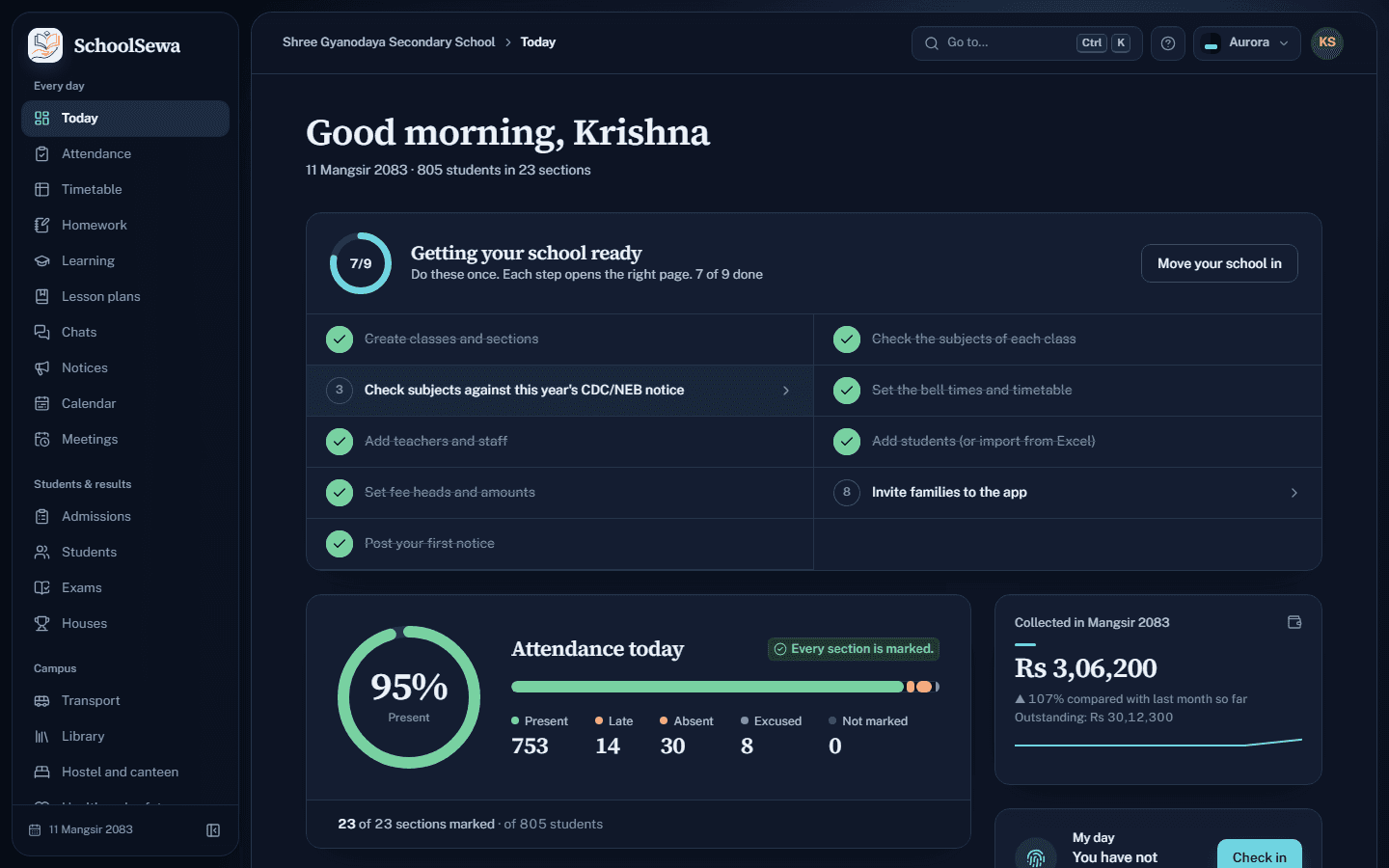
These are screens from our demo school, with the help and the guide that every page has. Pick any part of the school, or let the tour play.
Every day 1 of 23
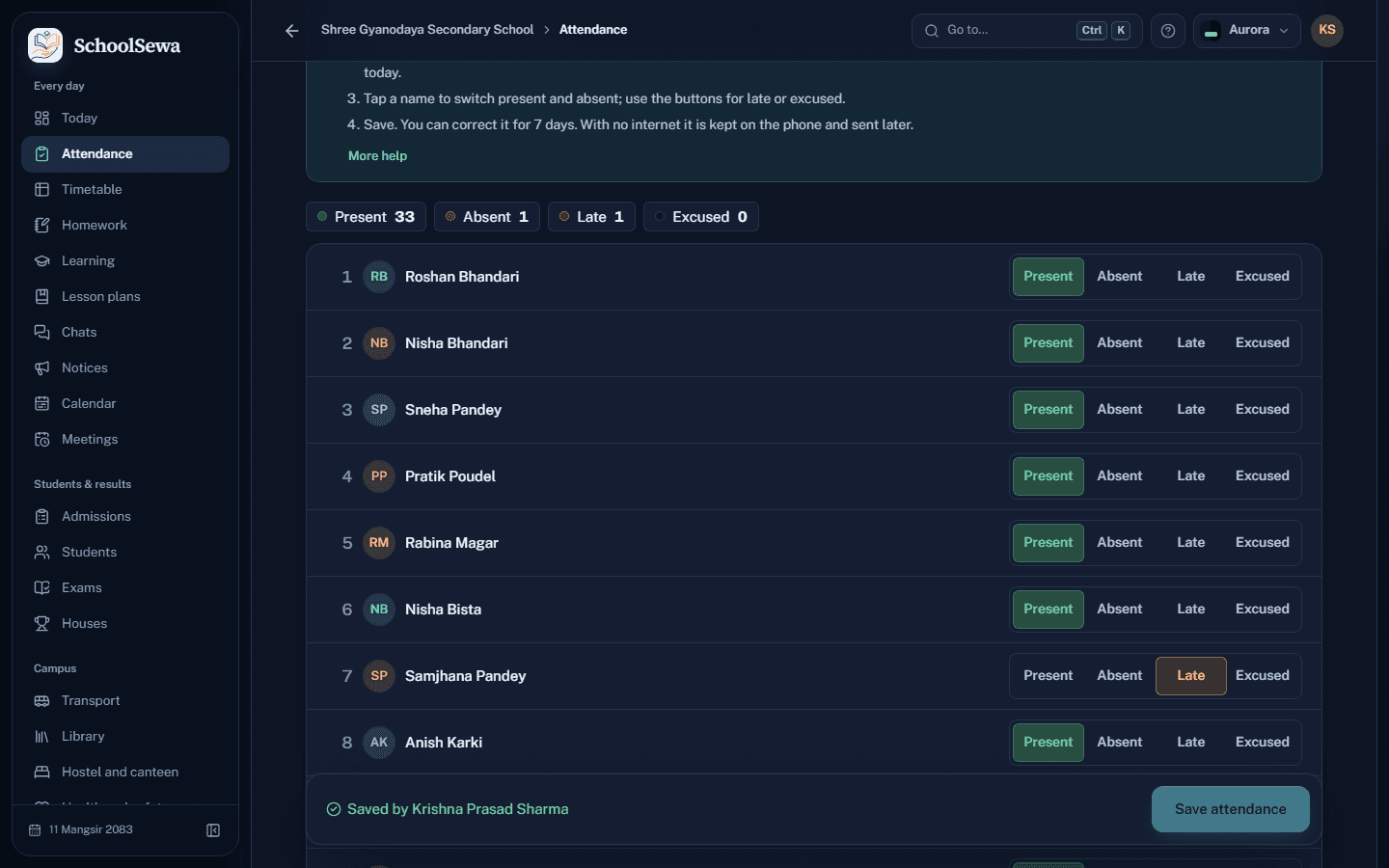
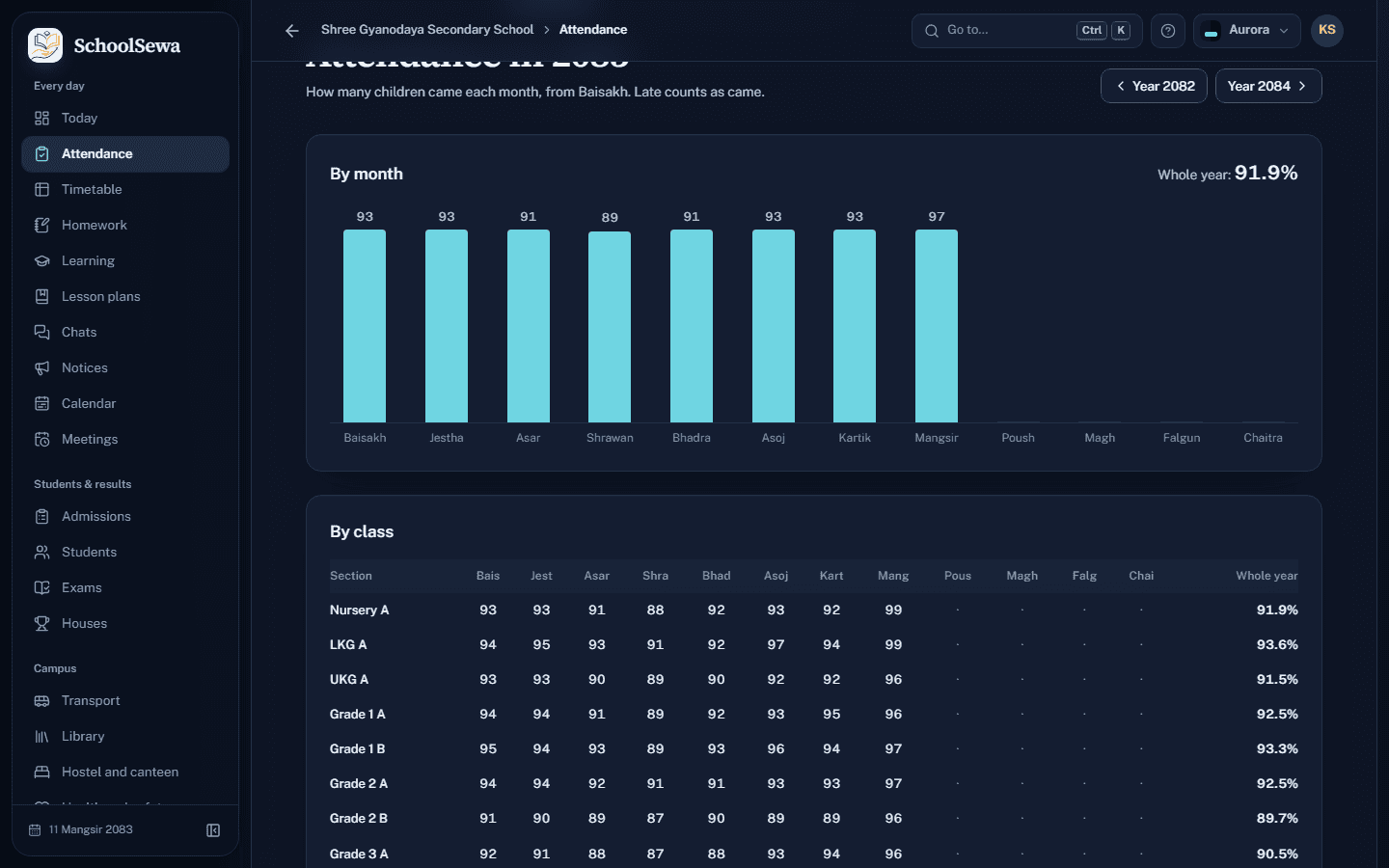
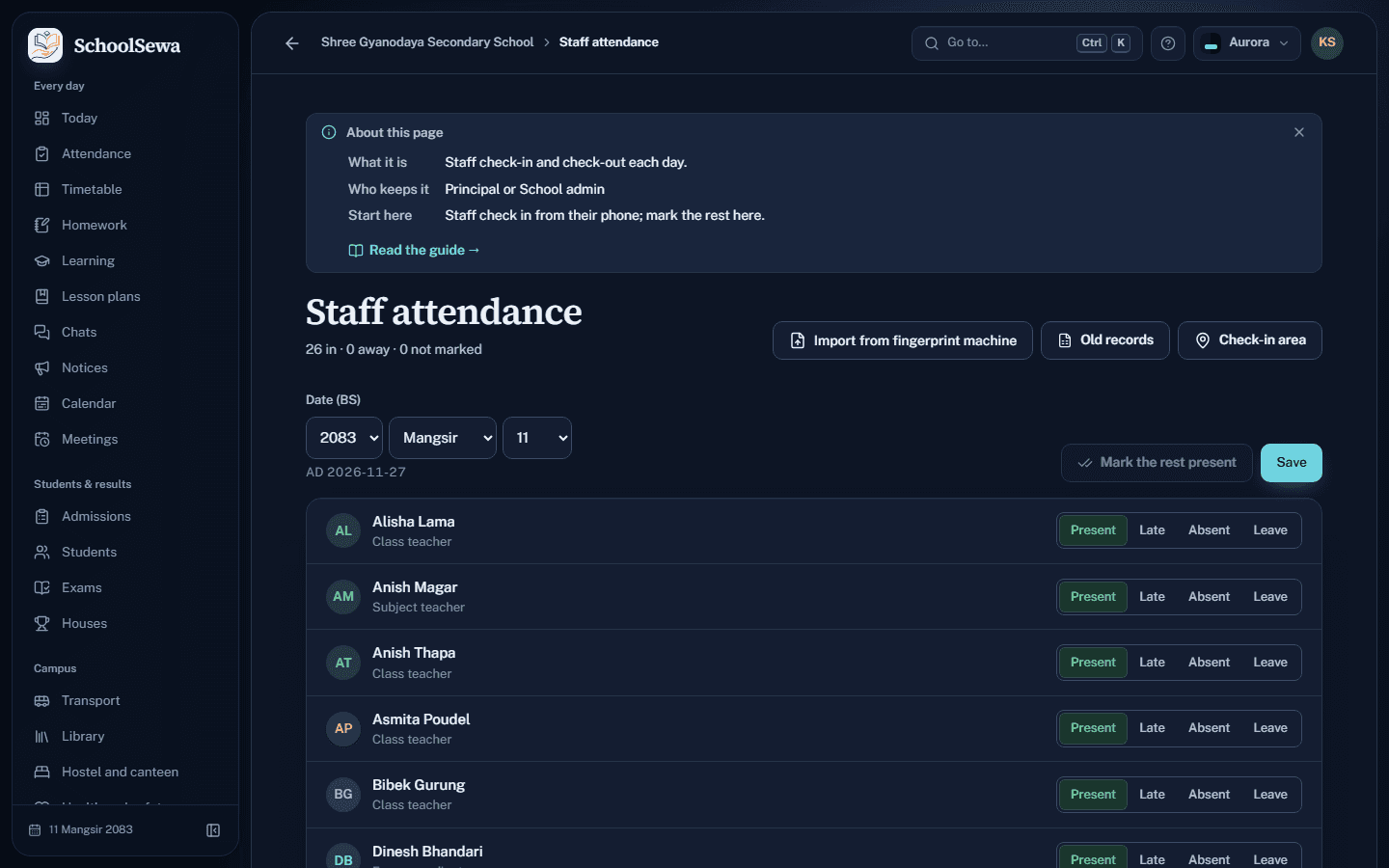
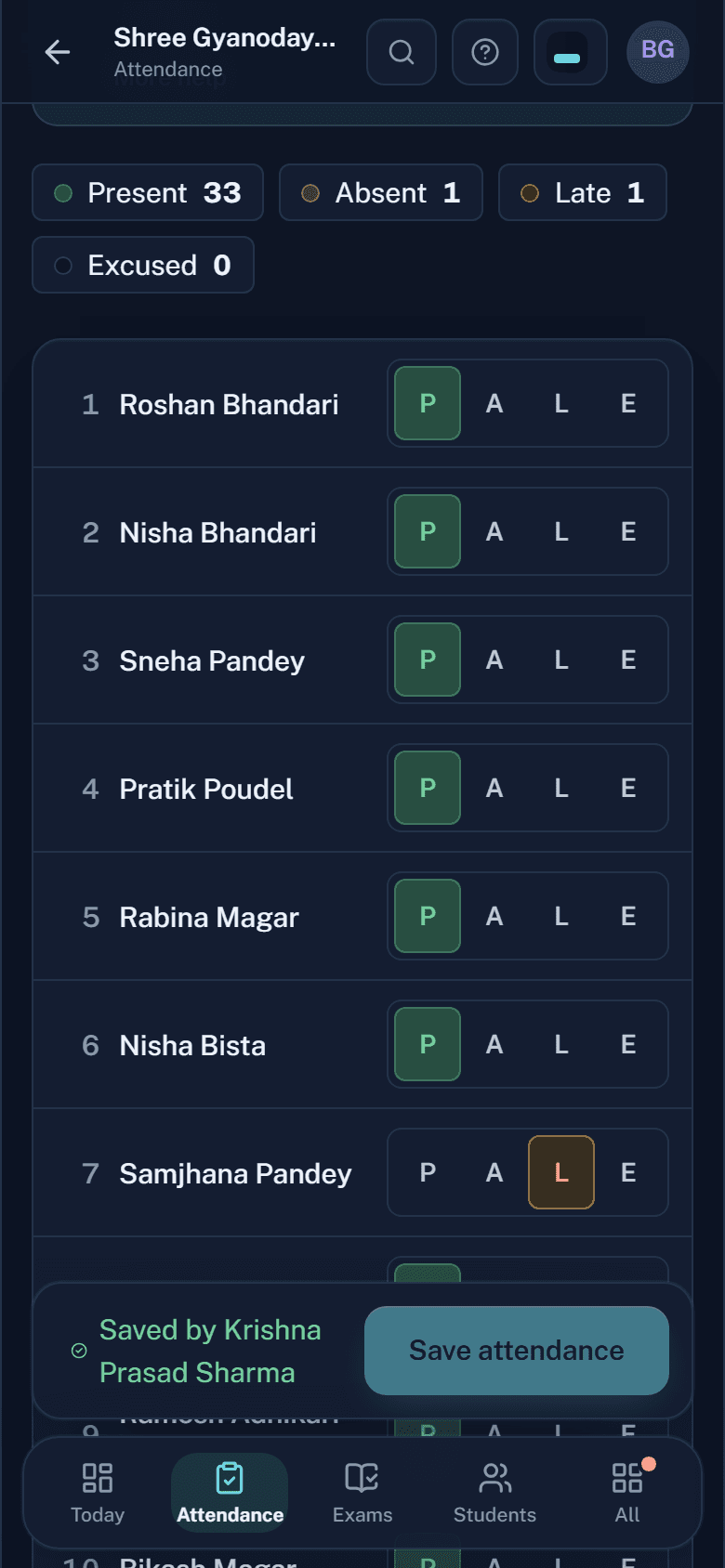
The register, done in a minute
- The day opens with everyone present: teachers tap only who is absent, late or excused.
- Parents get an SMS and an app alert for an absence, after a short window to fix mistakes.
- Period-by-period attendance, and ID card scanning at the gate.
One app for everyone in the school
Each person signs in and sees only their part. You can also make your own roles, such as librarian or driver.
Principal
- The Today page: attendance, fees collected and what needs attention
- Results to review and publish
- Every report, and the activity log of who changed what
School admin
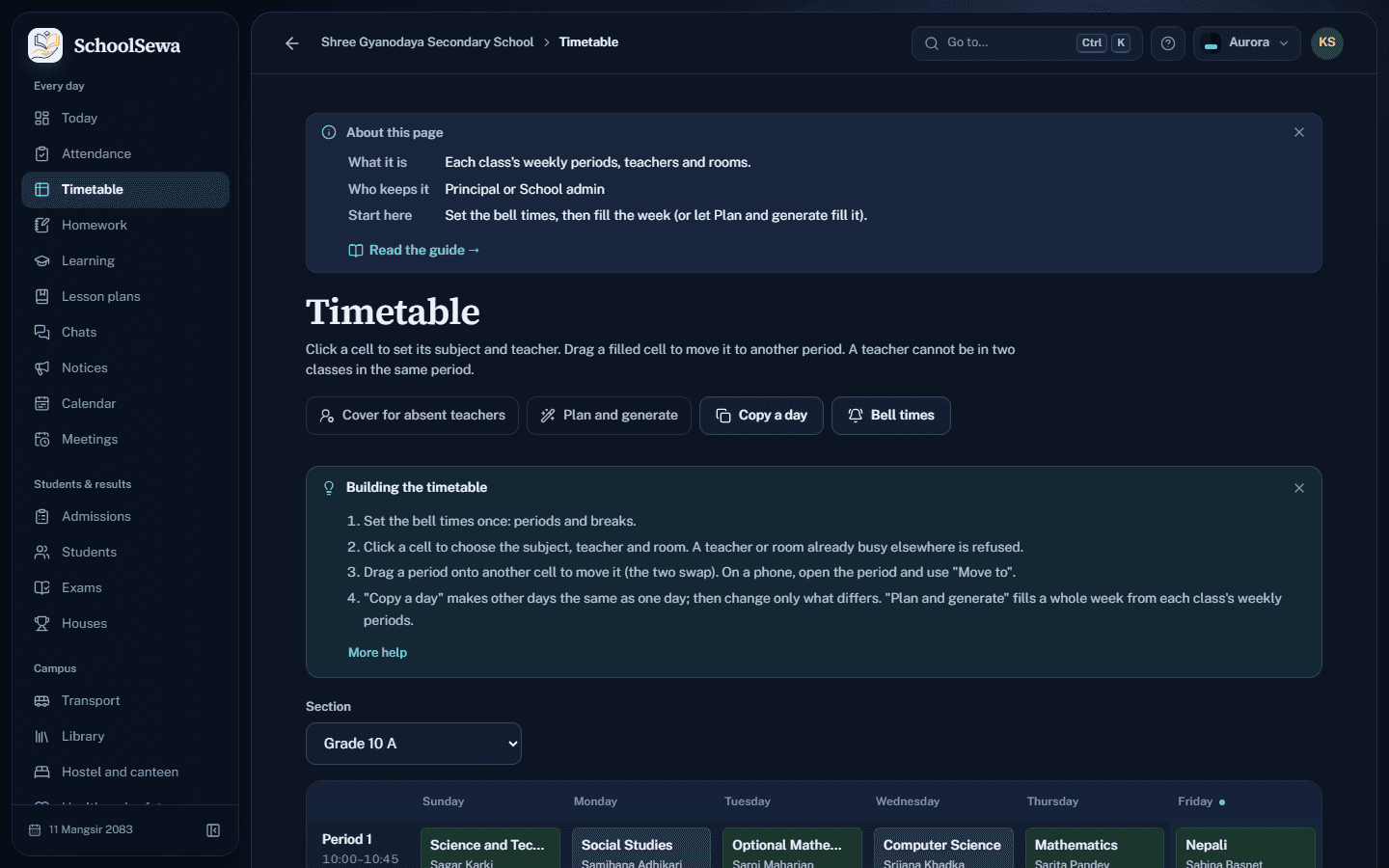
- Classes, sections, subjects and the timetable
- Students, staff and their sign-ins
- Imports from Excel and the year-end move-up
Accountant
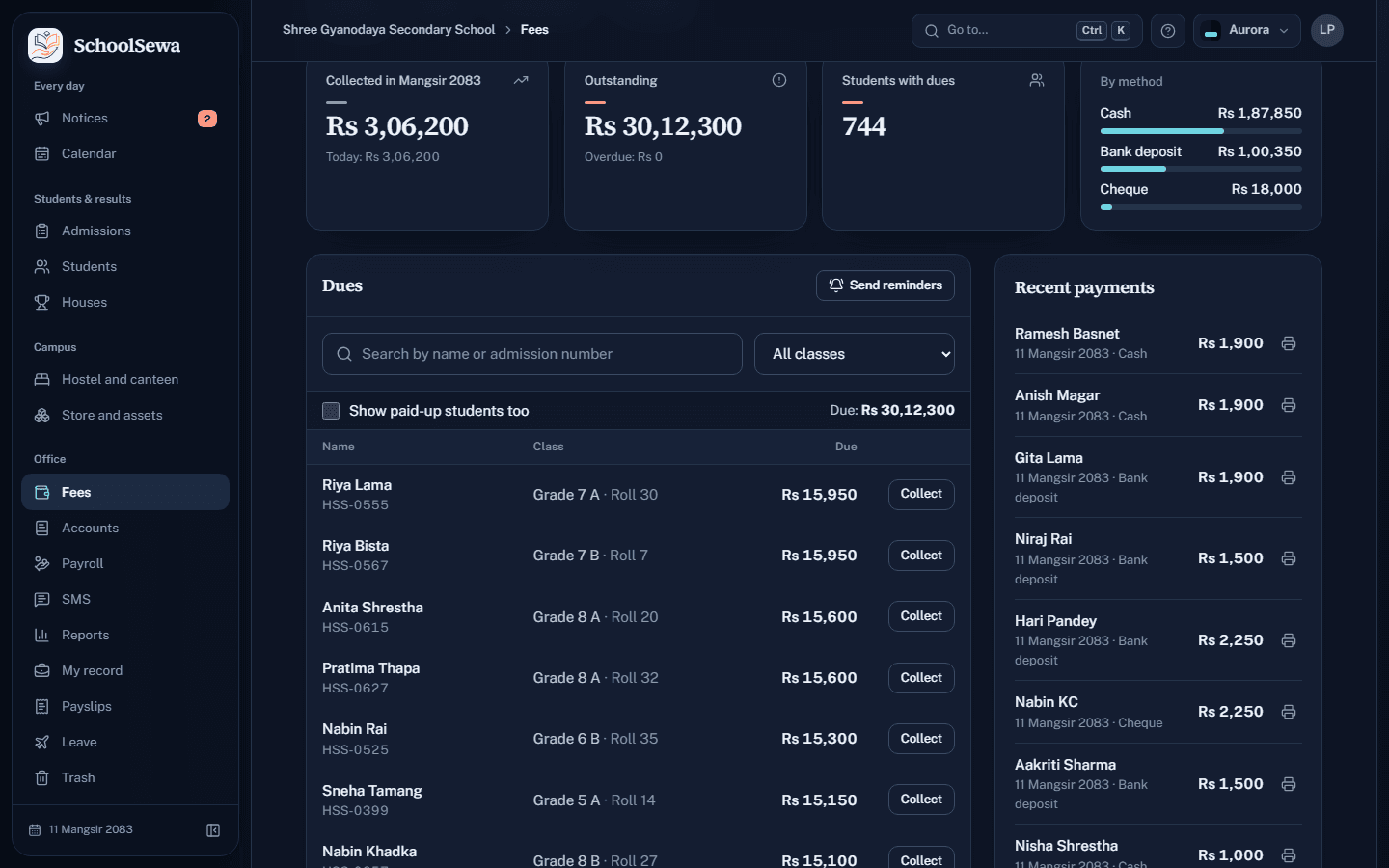
- Fee collection, receipts, dues and monthly bills
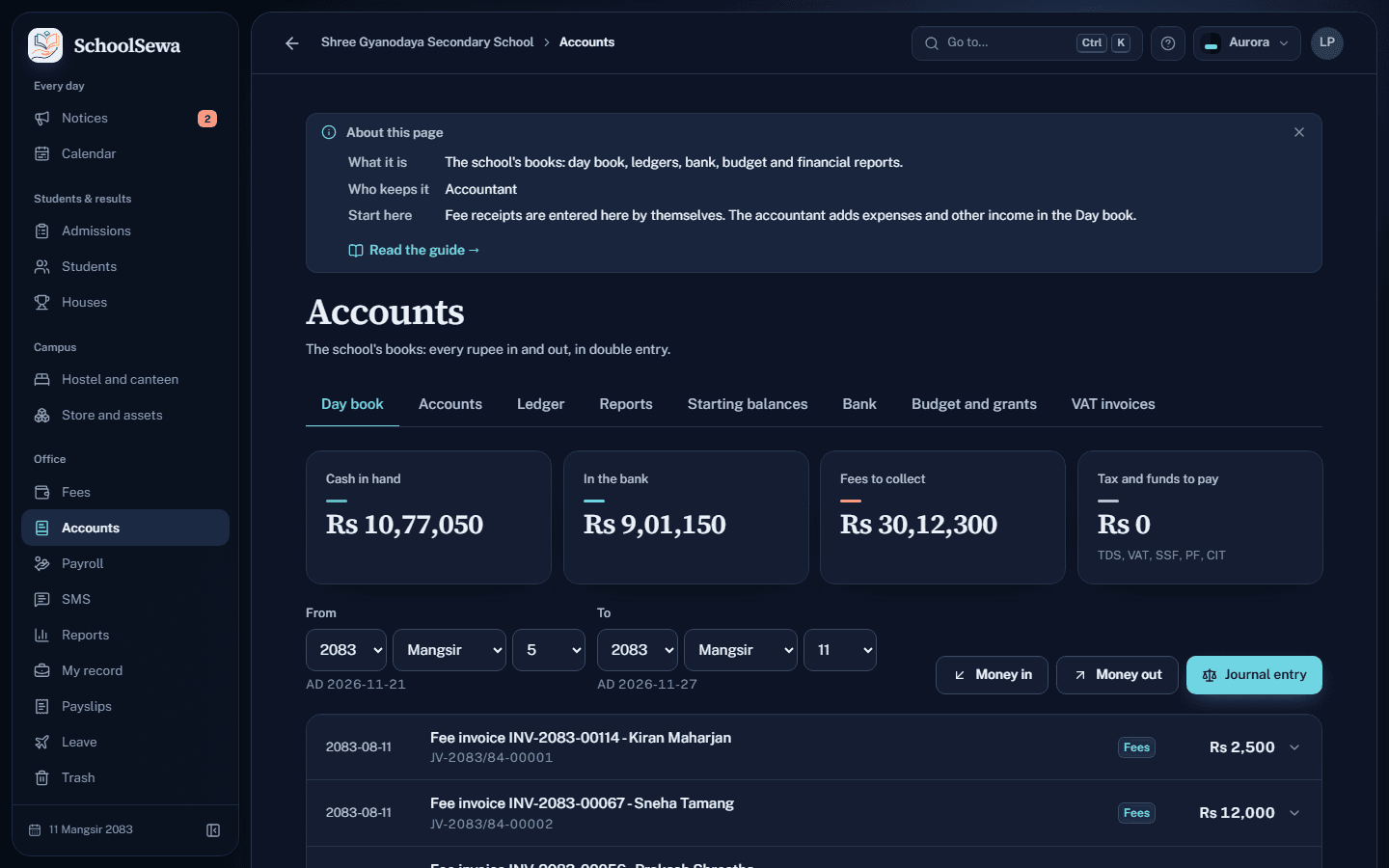
- The day book, bank and VAT invoices
- Payroll and payslips
Teachers
- The register and marks entry, also on a phone
- Homework, lesson plans and class chat
- Their own timetable and cover periods
Parents
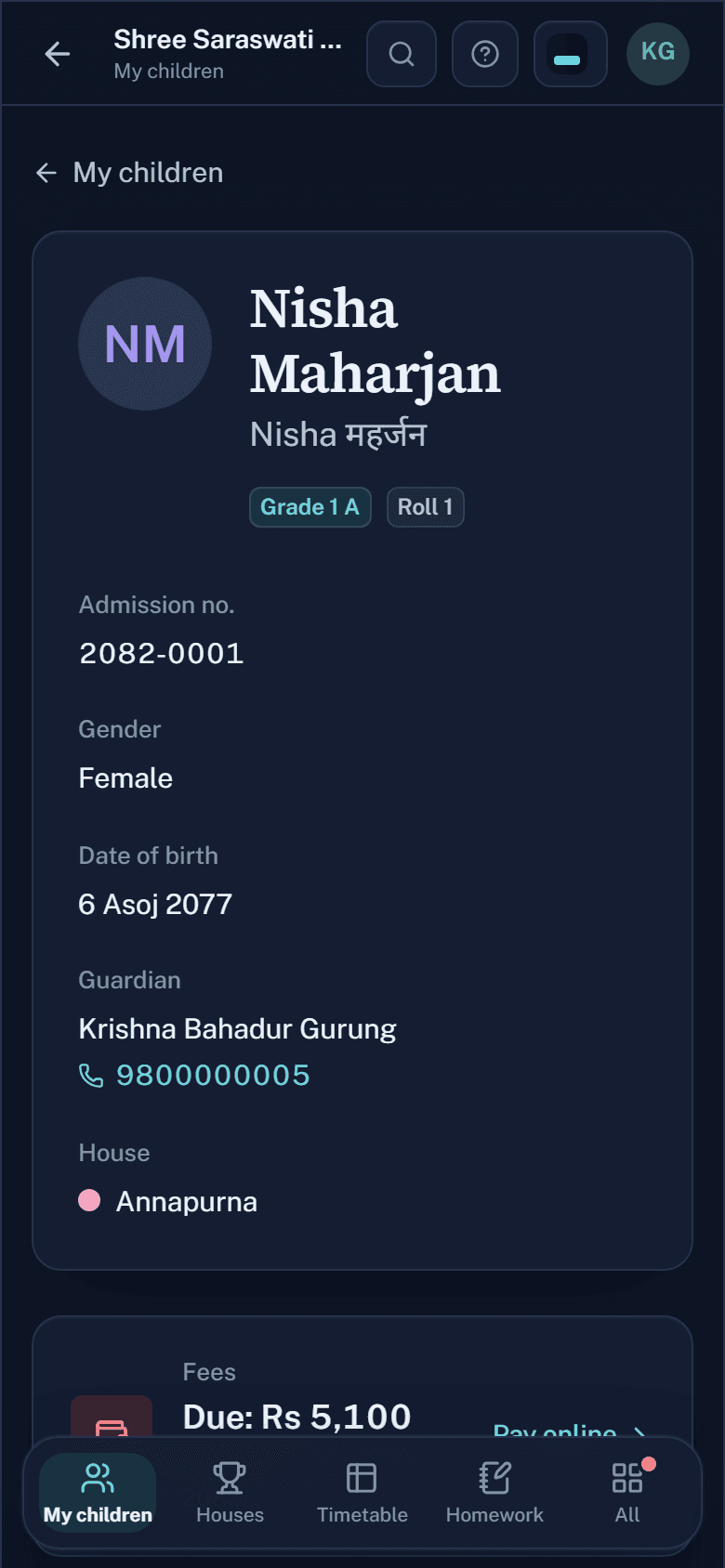
- Attendance, homework, results and fees for each child
- Notices and chat with teachers
- Online fee payment and leave requests
Students
- Homework to hand in, notes, videos and quizzes
- Their timetable and results
- Notices from the school
Made for the phone in every teacher's pocket
The same app works in any phone browser and can be added to the home screen like an app. There is nothing to download.
- Teachers take the register and enter marks from the classroom.
- If the internet drops, attendance and marks wait on the phone and are sent when it is back.
- Parents see their child's day, pay fees and message the class teacher.
- Large buttons, plain words, and a short guide on every page.
Light or dark, the way each person likes it
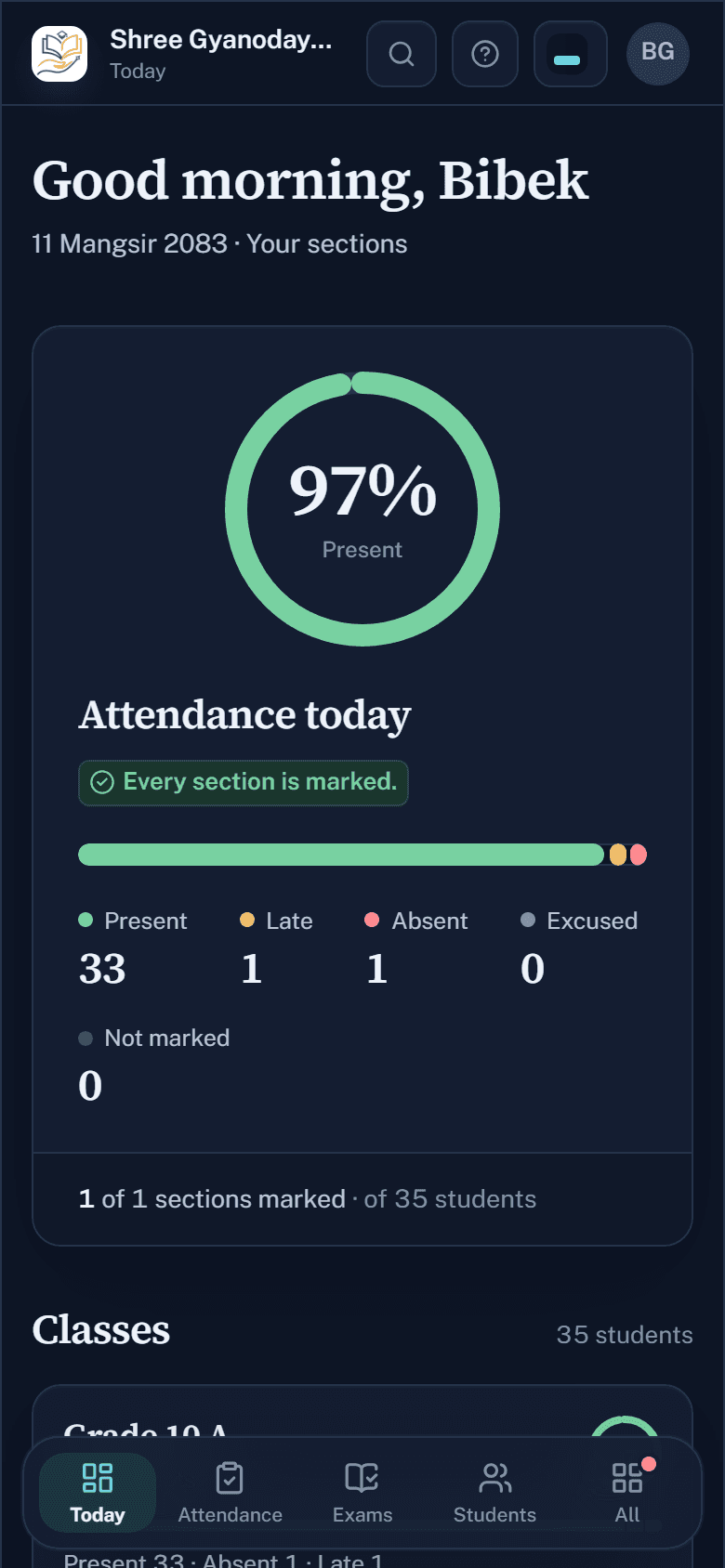
Nine colour themes, five light and four dark. Each person picks their own, and English or Nepali, from the top bar. Drag the handle to compare.
Light: IrisDark: AuroraEverything included
Seven modules. Start with the ones you need and turn on the rest later: they switch on for the whole school at once, with your data already there.
CoreAlways included
- Student records, guardians, documents and health notes
- Daily and period attendance, gate card scanning
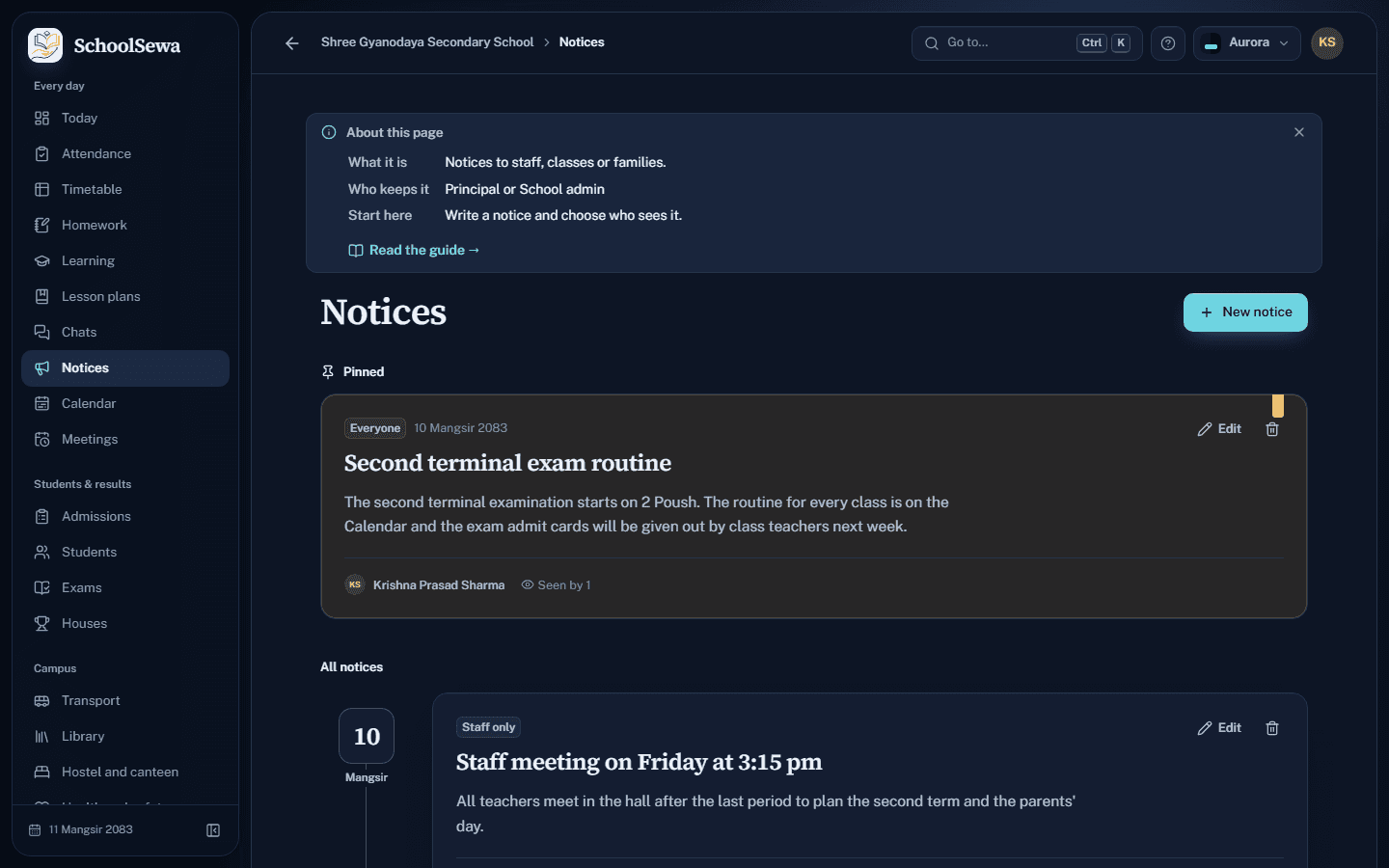
- Notices with read tracking
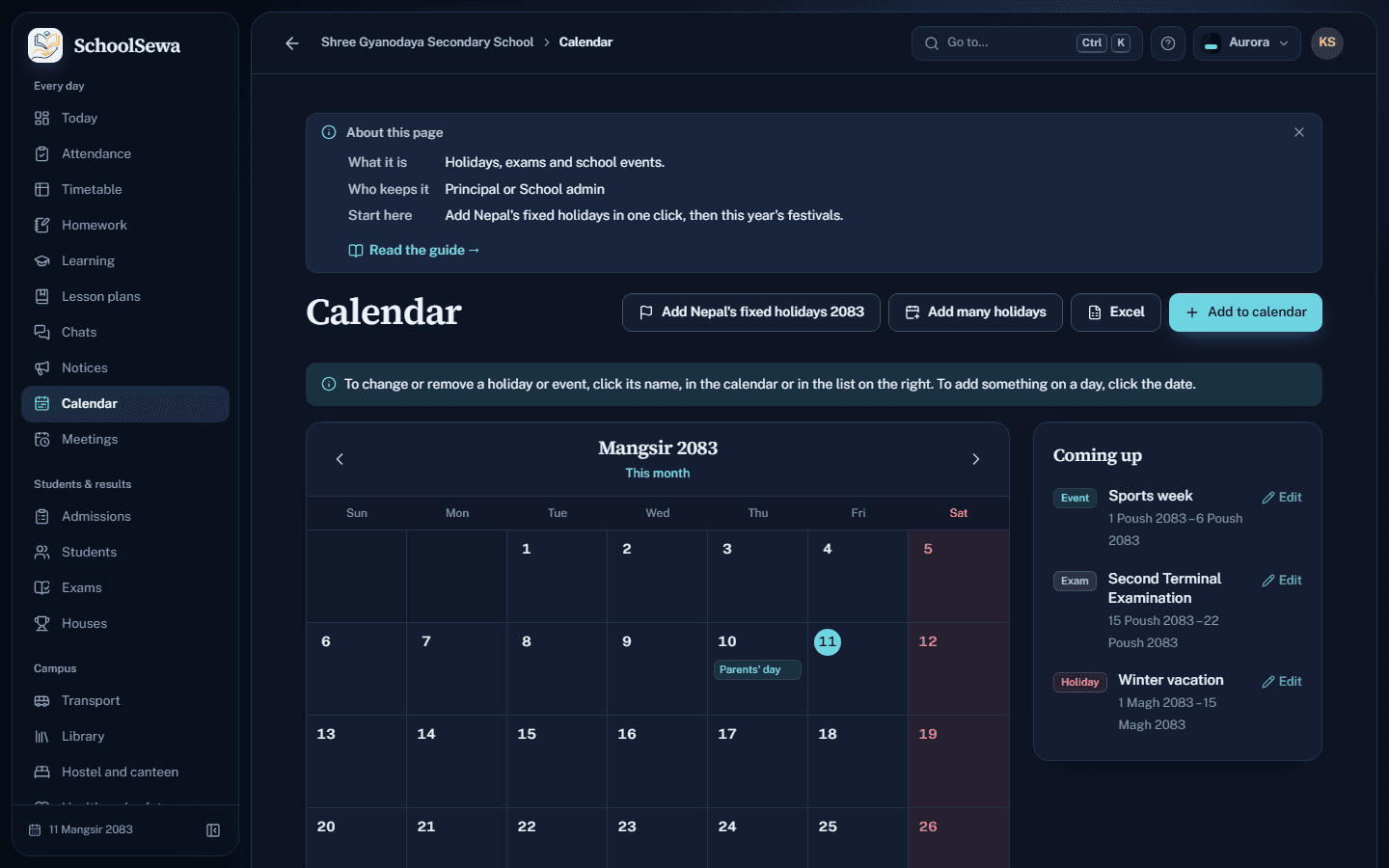
- Bikram Sambat school calendar and holidays
- Staff accounts, your own roles, two-step sign-in
- ID cards with QR, certificates, houses
Academics
- Exams, marks entry, moderation and published results
- NEB letter grades and GPA, CAS internal marks
- Report cards with a QR anyone can check
- Seating plans and admit cards
- Homework, lesson plans and syllabus coverage
- Timetable with cover for absent teachers
- Learning portal: notes, videos, quizzes, online classes
Finance
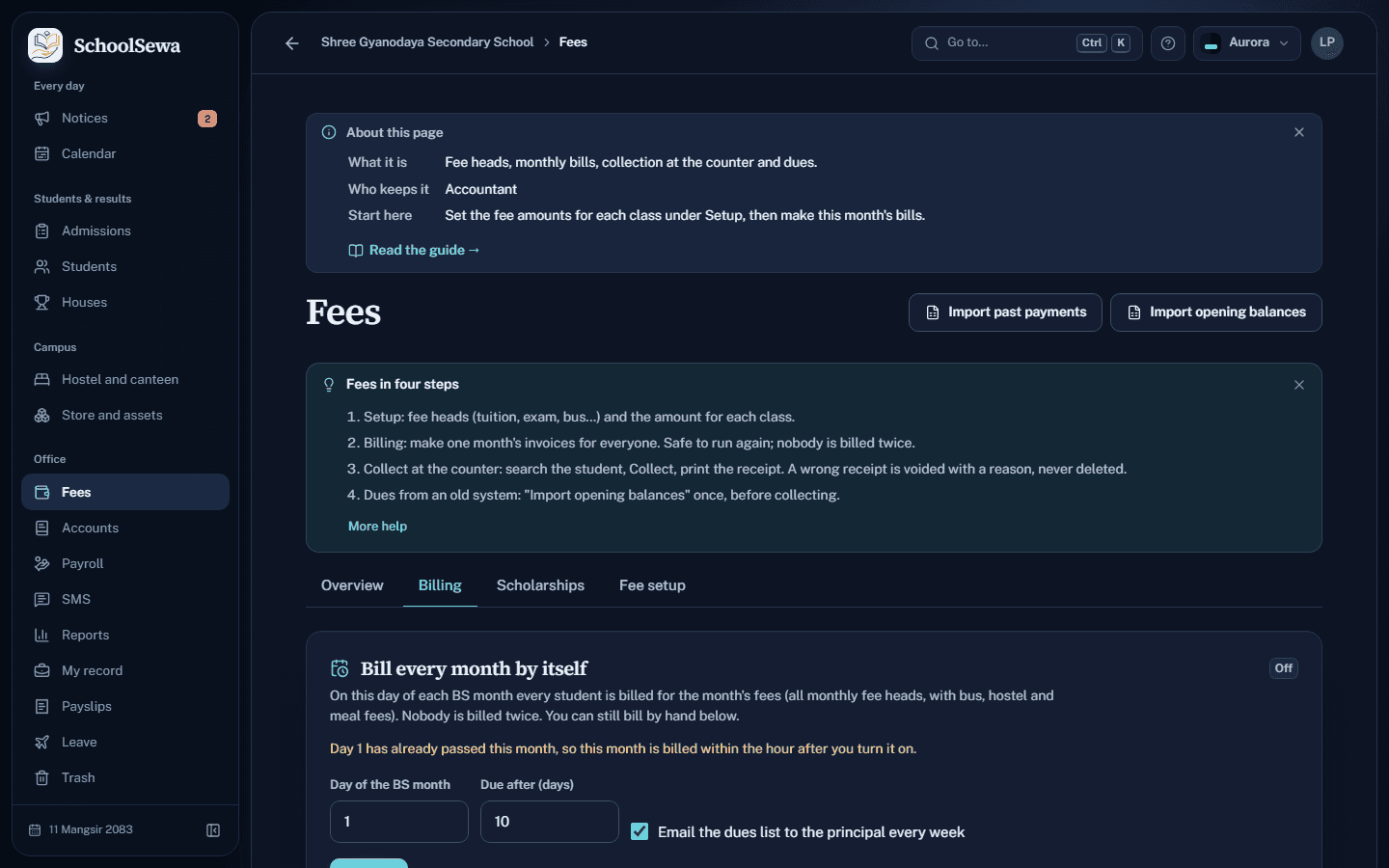
- Fee heads and rates for each class
- Monthly bills, receipts, dues and SMS reminders
- Scholarships and late fines
- eSewa, Khalti, ConnectIPS and Fonepay QR
- Double-entry books, bank reconciliation, VAT invoices
- Budgets and grants
- Payroll with SSF, PF, CIT and TDS, payslips
Communication
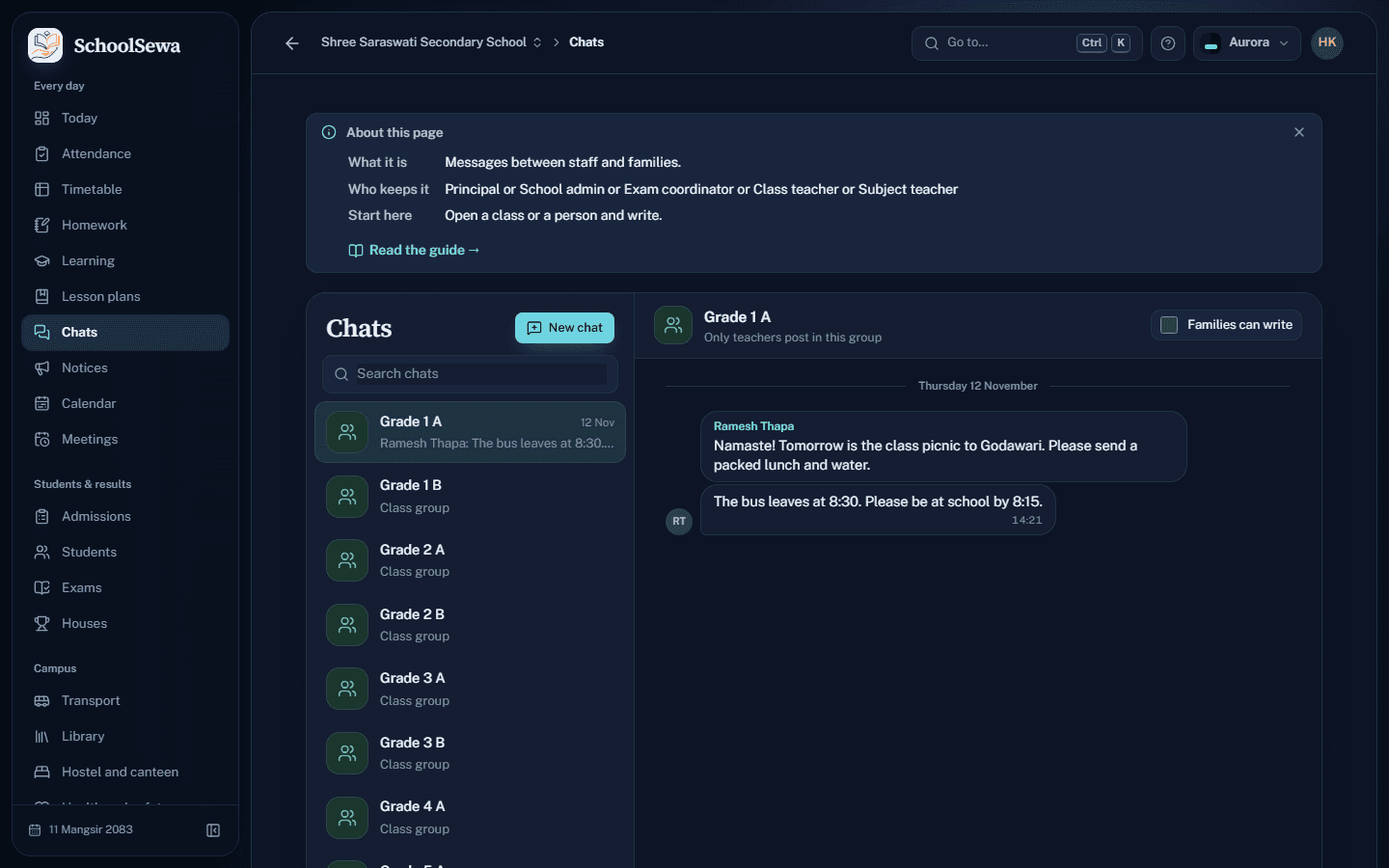
- A chat group for each class
- One-to-one chats between parents and teachers
- Parent-teacher meeting slots
- SMS through Sparrow SMS or Aakash SMS
Campus
- Bus routes, stops and the bus on a map
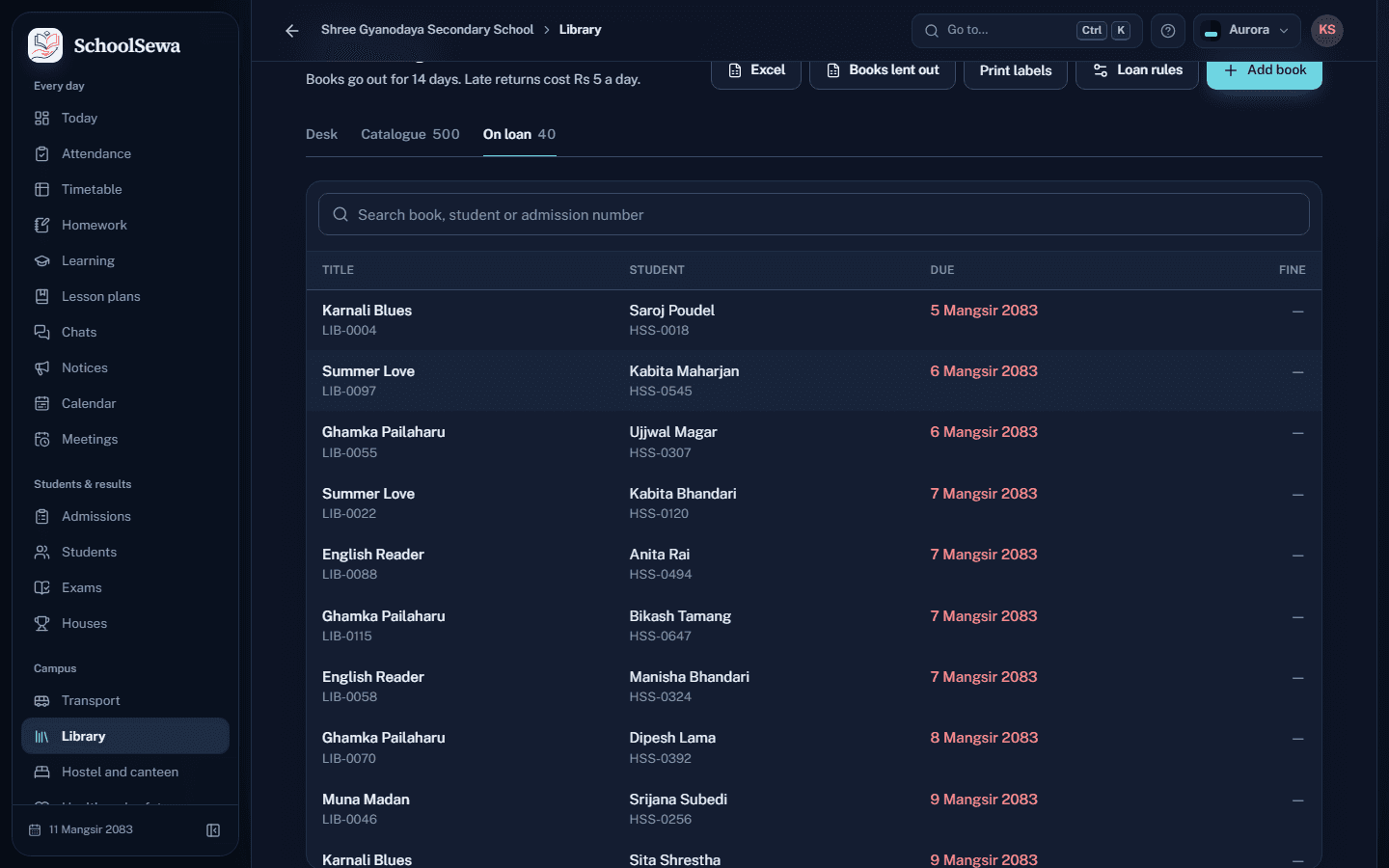
- Library with barcodes
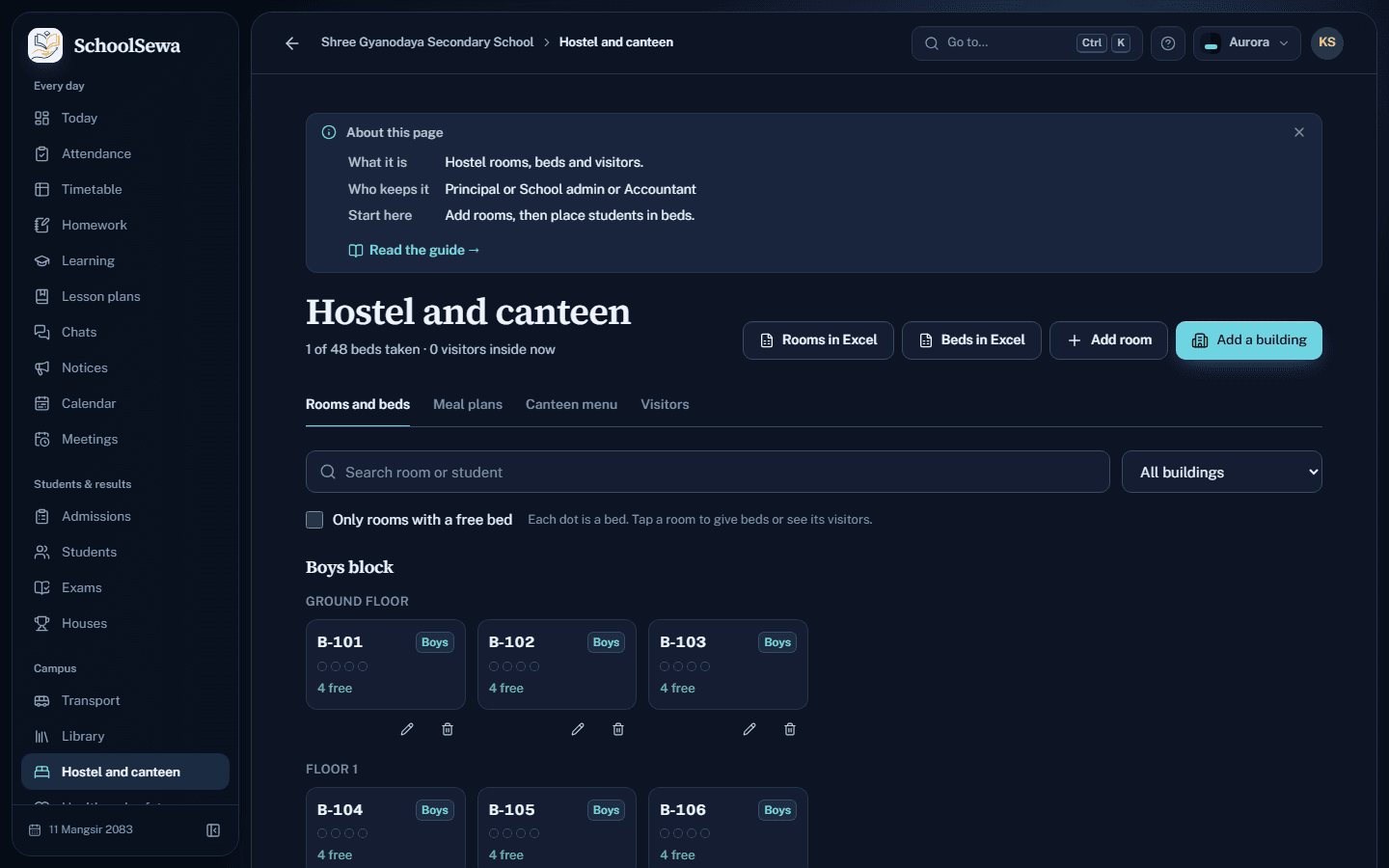
- Hostel rooms, beds, meals and canteen wallet
- Visitor log
- Store room stock and asset register
- Nurse visits, vaccinations and incident reports
Admissions
- Online application form with a status link
- Entrance tests and merit list
- Offers by SMS and seat confirmation
Reports
- Ready reports for classes, dues, collections and results
- Your own reports, to Excel or print
- Saved reports emailed daily, weekly or monthly
- IEMIS workbook and SEE registration list
Start in days, even in the middle of the year
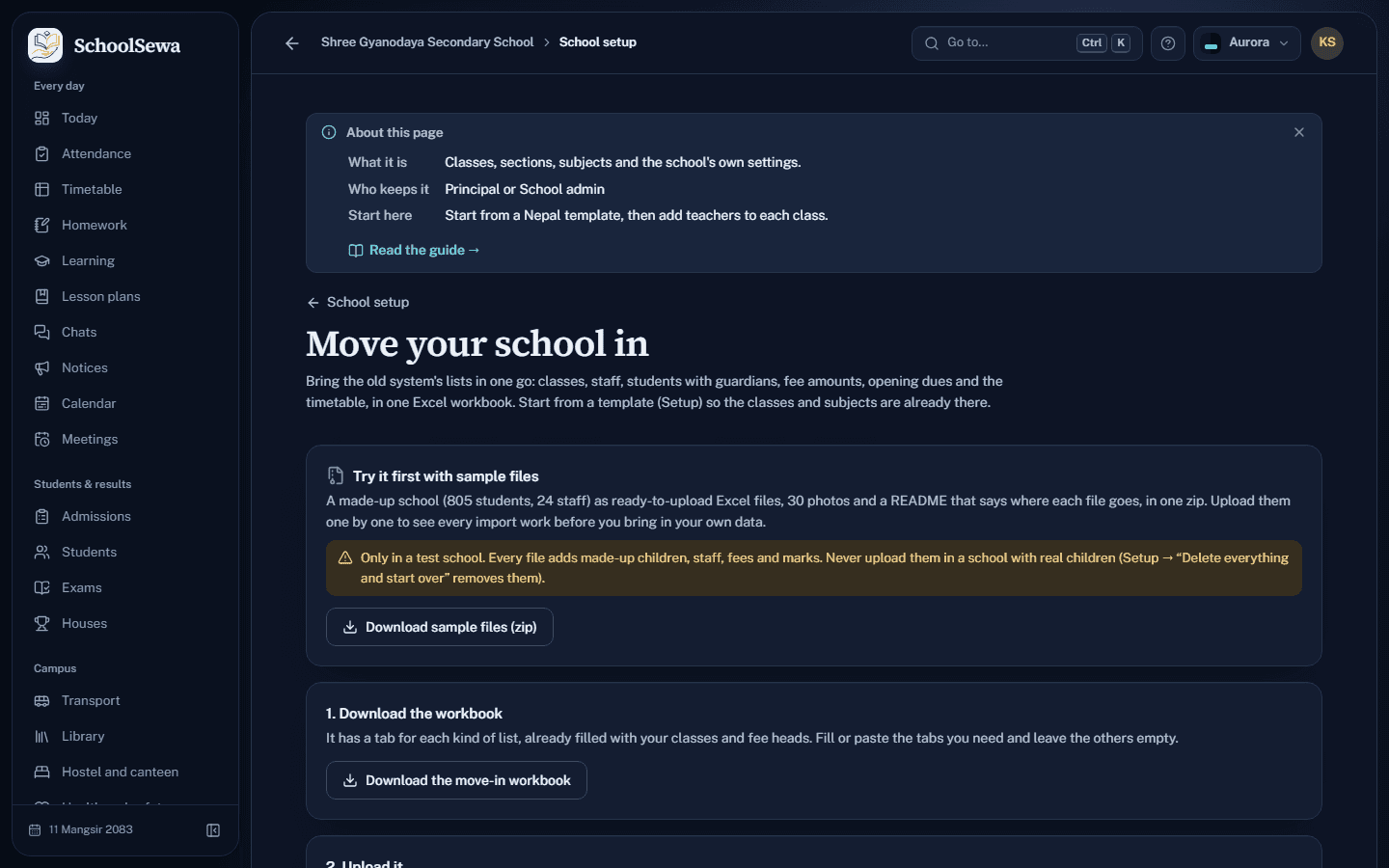
Coming from registers or another system? Past fee payments, old attendance, last year's results, books already lent out, staff salaries and many photos at once all come in from Excel. Try it all first with our sample school.
- 1
We open your school
Your principal and school admin get their sign-in, with a one-time code to set their own password.
- 2
Pick a template
Basic (ECD to 5), Lower secondary, Secondary with SEE, or +2 with NEB streams. Classes, subjects, bell times and common fee heads appear in one click.
- 3
Bring your lists from Excel
One workbook for classes, staff, students with guardians, fees, old dues and the timetable. Every row is checked, and nothing is saved until all rows are right.
- 4
Invite staff and families
Teachers and parents get a code to set their own password. A checklist on the Today page shows what is left.
Pricing
Coming soon
We are setting our prices with our first schools. Tell us your size and the parts you need, and we will send your school's price.
- Per studentWhat you pay follows the number of children on your roll.
- Only what you useCore is always there; every other part is your choice.
- Add parts laterTurn one on when you are ready, for the whole school, with your data already in it.
Plan your school
Nothing is sent until you press the button.
600 students with Core, Academics, Finance
Children's records, kept safe
Six layers stand between a child's record and anyone who should not see it. Pick one to see what it does.
See your own school in SchoolSewa
A 30-minute call, on a computer or a phone.
- We set up a sample of your school with your own classes.
- You take the register, print a fee receipt and send a notice yourself.
- We answer your questions and talk about what it would cost.
Or write to binarysquad@schoolsewa.com
Your school › Today
Good morning, Principal
Your first day on SchoolSewa
ClassesNursery to Grade 10
RegisterTaken in a minute
FeesReceipt printed
Notice to familiesWelcome to SchoolSewa
From today you can see attendance, results and fees on your phone.